Export Bodies as STL
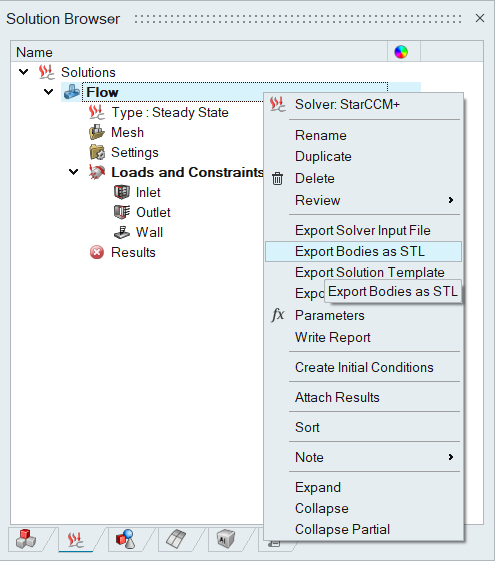
The bodies used in the solution can be exported as multiple STL surface mesh files. Each body in the solution will be written as an STL file. This can be done by right-clicking on the solution and selecting “Export Bodies as STL”.
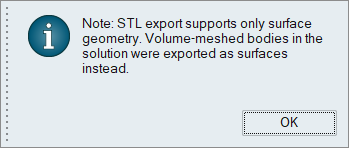
If volume mesh bodies are present in the solution, only the surface mesh (definition) of those bodies will be exported as part of the STL output. The below message indicating this behaviour will be posted.
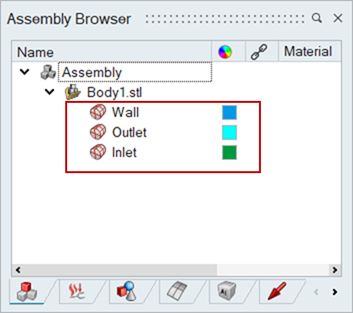
During export, mesh grouping is retained based on the applied boundary conditions. This ensures that regions associated with specific conditions remain identifiable within the STL file.
Surfaces that do not have any boundary conditions assigned are automatically grouped according to their parent body association within the STL structure. This maintains logical consistency between the original simulation entities and the exported mesh representation.
This can be used for bringing meshes from SimLab to other software’s such as STAR-CCM+.
Example
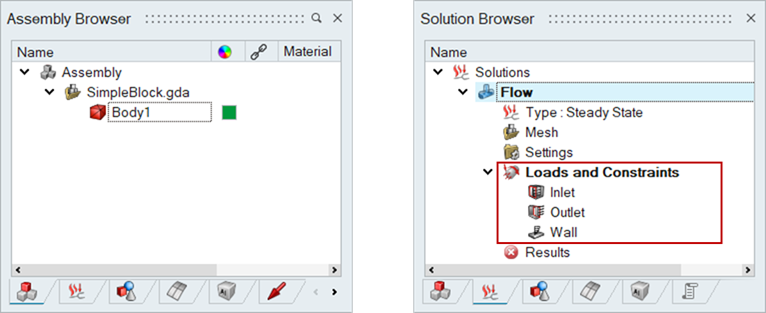
Input Body and Solution Definition
Output STL Surface Grouping Definition
The image below illustrates how the mesh grouping is preserved in the exported STL based on the applied boundary conditions.