
GDSII_Import_Options
Different methods and import options available for importing GDSII files are explained below. The GDSII import feature is currently in the beta stage, and many more capabilities will be added in future versions.
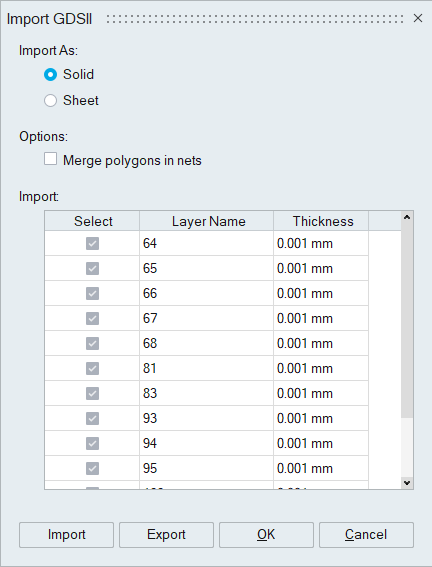
Import as
ECAD models can be imported as
- Solid : Design data is imported as solid bodies.
- Sheet : Design data is imported as sheet bodies.
Options
- Merge polygons in nets
On enabling this toggle, polygons within each net will not be merged, which improves import performance.
Import:
The layer names and thicknesses from the design file are displayed in a table. The thickness values can be modified, and specific layers can be selected for import.
Import and Export:
These options allow you to import or export the thickness values of the corresponding layers in the design file.