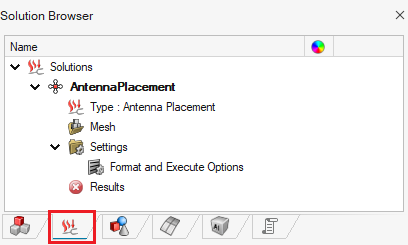
Defining an Antenna Placement Solution
Create an antenna placement solution for the model.
-
On the Solutions tab, in the
Solutions group, click the
 Antenna Placement icon.
-
On the Create Solution dialog, specify the
following:
- Name: AntennaPlacement
- Solver: Feko
- Solution Type: Antenna Placement
- Solver class: Frequency-Domain
- Frequency definition: Single
- Start frequency: 1.58 GHz
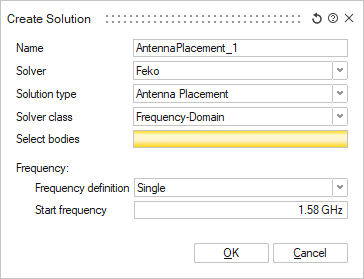
- Select the model in the graphics window - this will fill in the bodies in the Select bodies field.
- Click OK to close the Create Solution dialog.