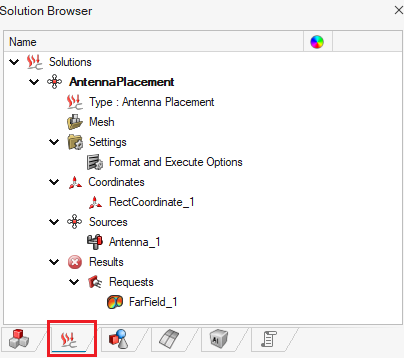
Defining the Result Requests
Define the output request to be calculated before running the Feko Solver.
Note: S-parameters are calculated by default.
-
On the Analysis tab, in the
Requests group, click the
 Far Field icon.
-
On the Far Field Request dialog, specify the
following:
- Far field type: 3D Pattern
- Angular resolution 5 deg
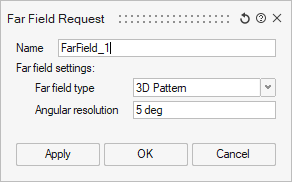
- Click OK to close the Far Field Request dialog.