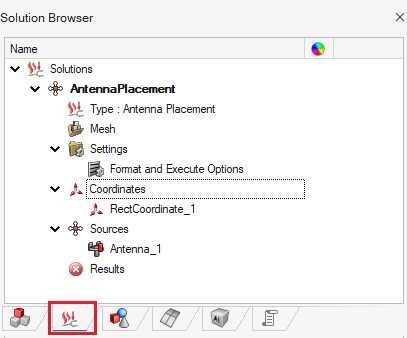
Adding an Antenna
Define the GPS antenna using a .ffe file.
-
On the Analysis group, in the
Source group, click the
 Antenna icon.
-
On the Antenna dialog, use the default values and specify
the following:
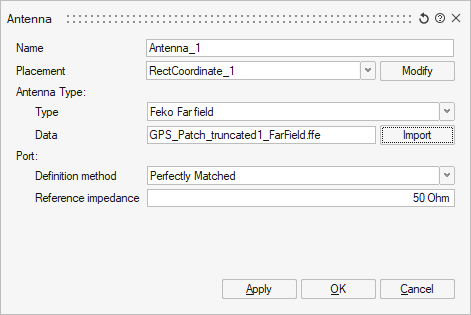
- Click OK to close the dialog.