Preserving the Window Mesh when Remeshing
Add a mesh control to preserve the mesh of the windows when remeshing the existing mesh.
-
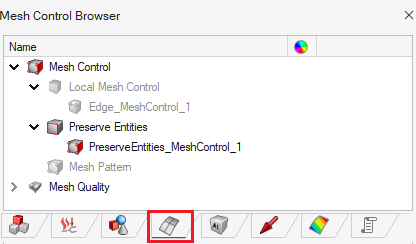
On the Mesh tab, in the Controls
group, click the
 Mesh Controls icon.
-
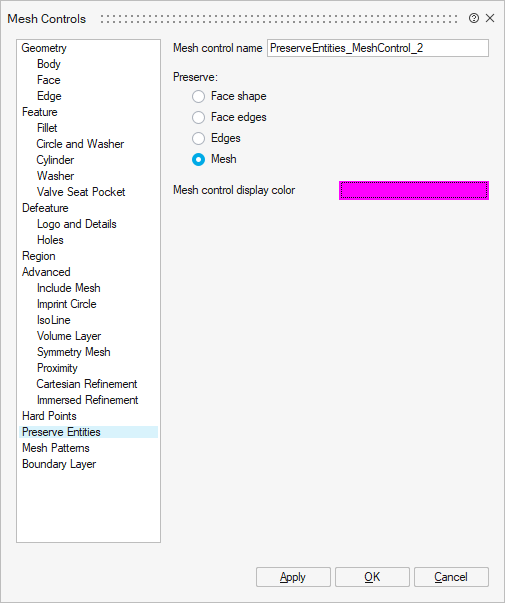
On the Mesh Controls dialog, click Preserve
Entities and specify an average element size of 0.05 m.
-
On the Selection toolbar, click the
 Edge icon.
-
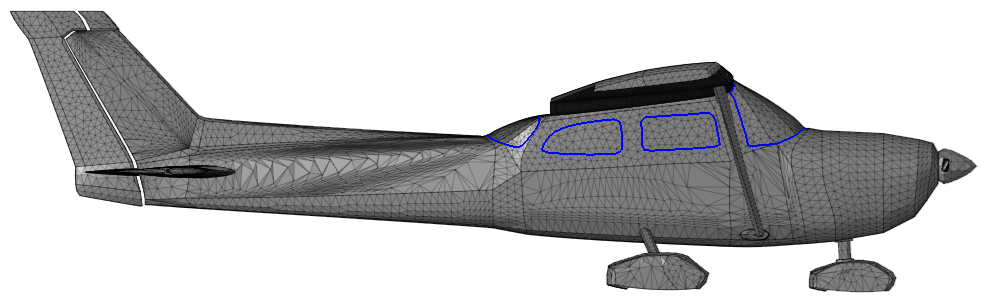
Click on the edges of the windows. The relevant edges should be highlighted in
blue.
- Click OK to define the mesh control and close the dialog.