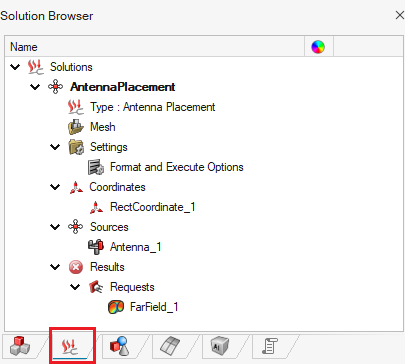
Specifying the Execute Options
Specify the number of parallel processes to be used when solving the model.
-
On the Analysis tab, in the
Options group, click the
 Solver Settings icon.
-
On the Format and Execute Options dialog, under
Parallel Execution, select the following check
boxes:
- In the Run the Parallel Feko Solver field, select the True check box.
- In the Specify Number of Processors field, select the check box and type the number.
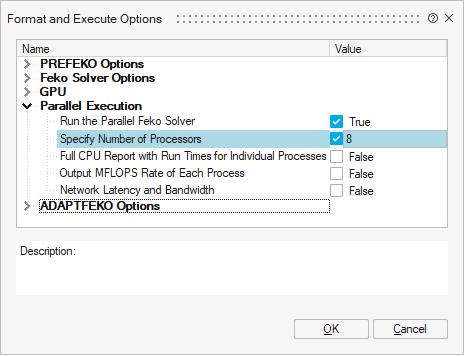
- Click OK to close the Format and Execute Options dialog.