Importing the Model
Import the CAD model of the Cessna aircraft. The CAD model contains only one side of the aircraft.
Note: The meshed model will be mirrored in subsequent steps to create the complete
Cessna model.
- On the File tab, click .
- In the file browser, browse to the location of Cessna.xmt_x_t and click Open.
-
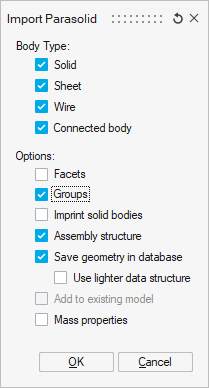
On the Import Parasolid dialog, select the following
options and click OK to close the dialog.
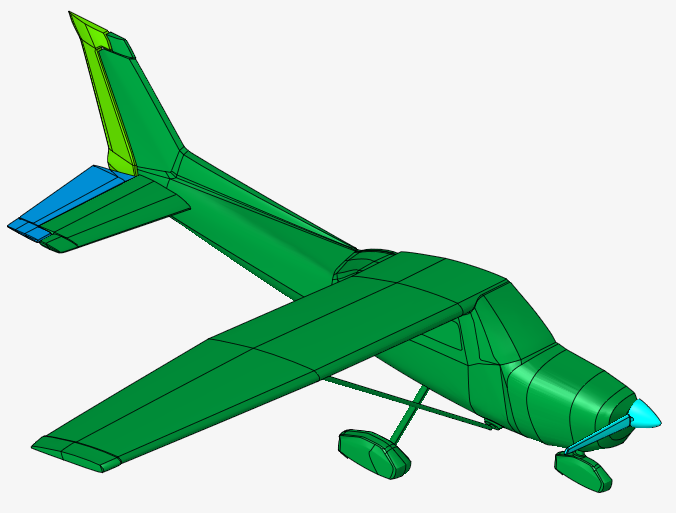
The CAD model is imported and displayed in the graphics window.
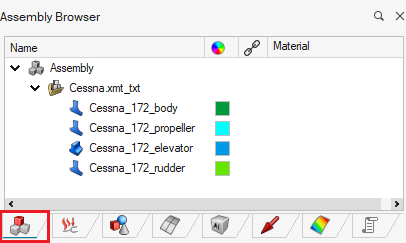
The imported faces and bodies are displayed in the Assembly Browser.