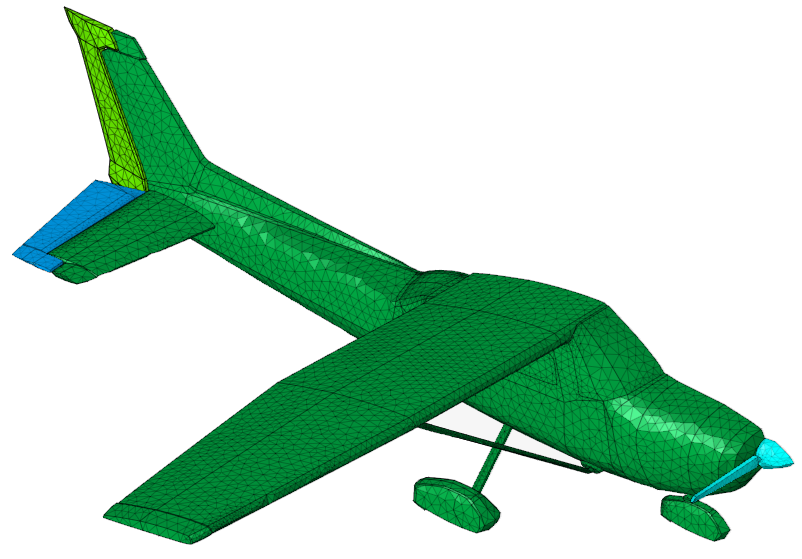
Remeshing the Aircraft
Refine the mesh of the aircraft.
Tip: Remeshing only the relevant parts instead of the whole model can reduce
the meshing time for large models.
-
On the Mesh tab, in the 2D Mesh
group, click the
 Remesh icon.
-
On the Surface Local Re-mesh dialog, specify the
following:
- Element type: Tri3
- Average element size: 0.1 m.
- Minimum element size: 0.01 m
- Grade factor: 1.5
- Maximum angle per element: 60 deg
- Curvature minimum element size: 0.011 m
- Aspect ratio: 10
- Select the faces of the model; the should be highlighted in pink.
- Click OK to remesh the mesh and to close the Surface Local Re-mesh dialog.