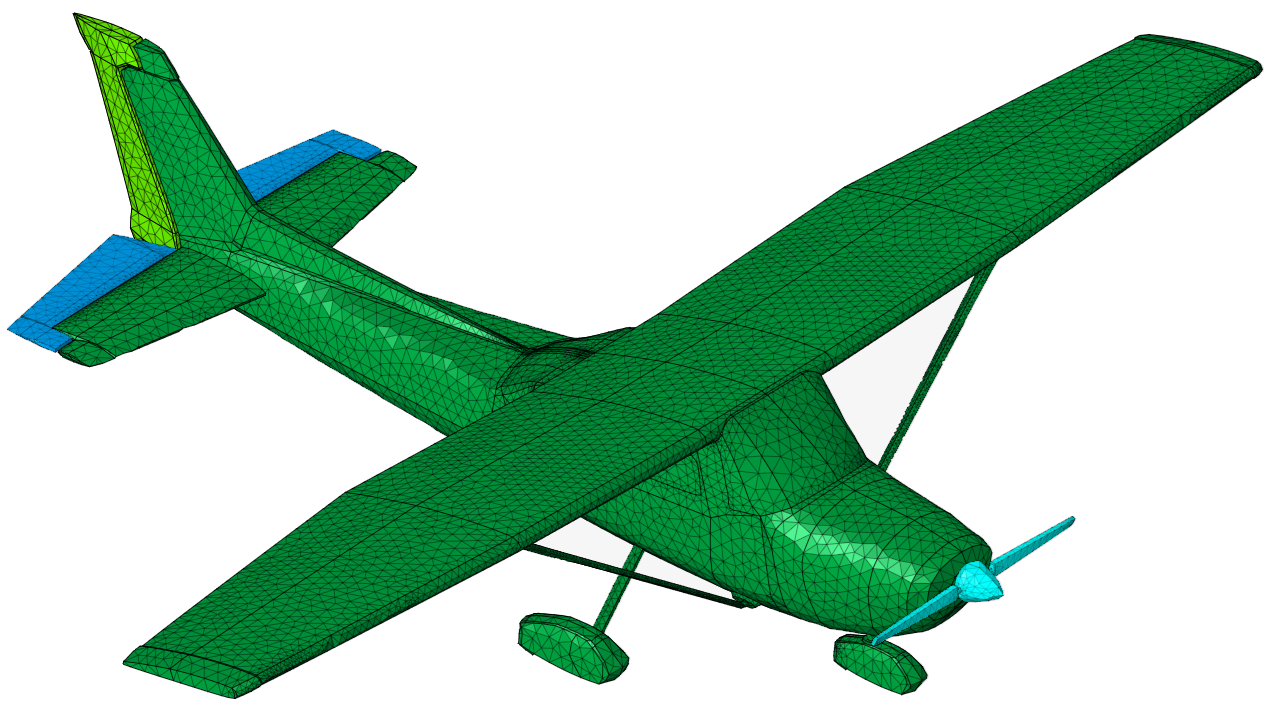
Mirroring the Mesh
Copy and mirror half of the aircraft to create a complete and symmetrical model of the aircraft.
-
In the Home group, click the
 Transform icon.
-
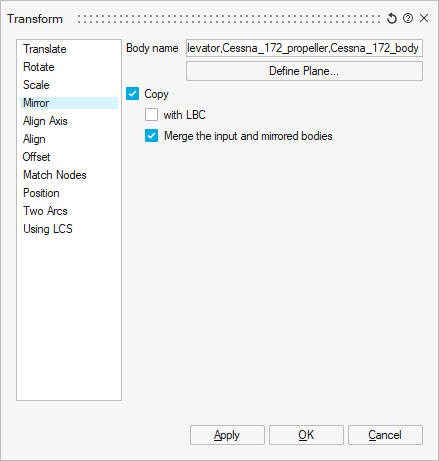
On the Transform dialog, click the
Mirror tab.
-
Select the model in the graphics window. This action will add the model
to the Body name field.
-
Select the model in the graphics window. This action will add the model
to the Body name field.
-
On the Define Plane dialog, click YZ
plane.
- Click OK to close the Define Plane dialog.
- Click OK to close the Transform dialog.