
Applying a Material Property to the Windows
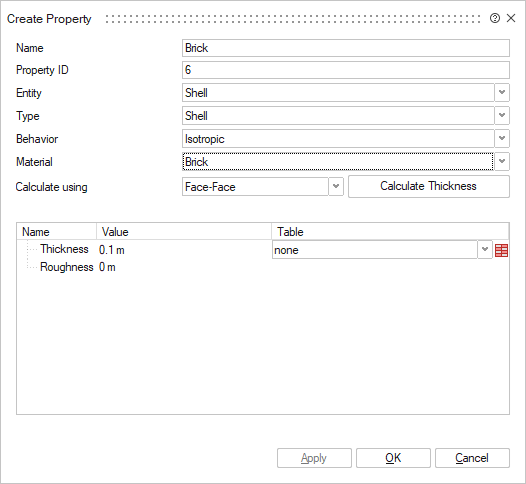
Assign the material, Plexiglass, with a thickness of 1 cm to the windows of the aircraft.
-
On the Selection toolbar, click the
 Face icon.
-
On the Analysis tab, in the
Property group, click the
 Property icon.
-
In the table, in the Thickness field, change the
value to 0.01 m.
-
In the graphics window, select the windows of the aircraft.
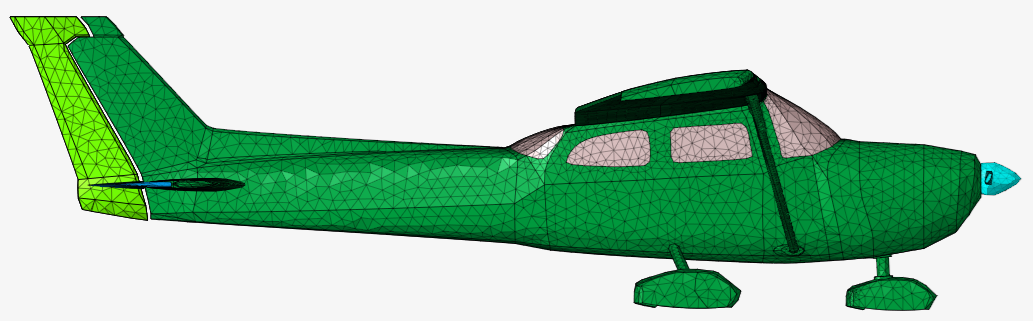
Tip: Confirm that the wall outlines are highlighted in pink to indicate selection.
-
In the table, in the Thickness field, change the
value to 0.01 m.
- Click OK to create the property and close the Create Property dialog.
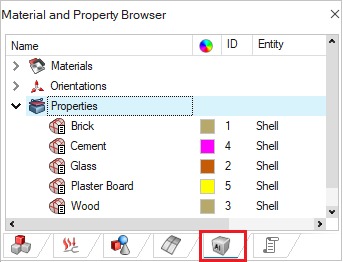
Tip: Confirm that the
materials are correctly assigned by right-clicking in the graphics window and
clicking  .
.
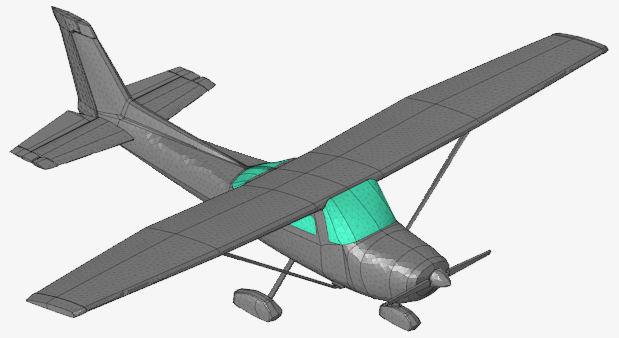
.