Create Parts from Components
Use the Create Parts tool to create parts by components. The Create Parts tool creates one part for each component.
-
To create parts from components while in a session, right-click the
Components folder in the Model Browser and select Create Parts from
the context menu.
Tip: You can also right-click the components in the Components Browser and select Create Parts from the context menu.
Figure 1. Examples 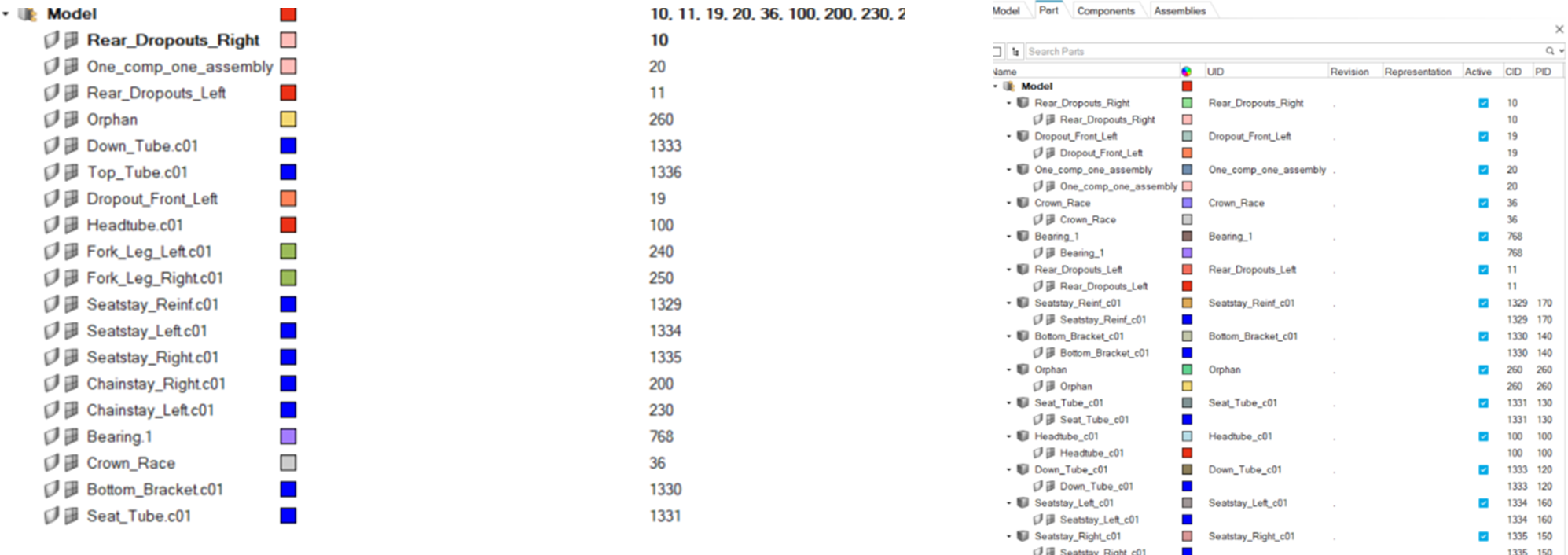
-
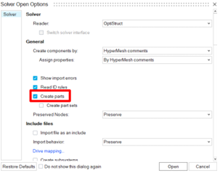
To create parts from components during solver deck import, select the
Create parts checkbox in the Solver Open
Options dialog.
Figure 2. Create Parts During Solver Deck Import