
Add a Custom Operation
Add tools and set up a custom operation as required for your analysis.
-
From the ribbon, click the Add
 operation icon.
-
From the Add Operation window that appears, select
Custom.
 The Custom operation is added to the Tryout ribbon.
 -
Configure the tools for the Custom
operation.
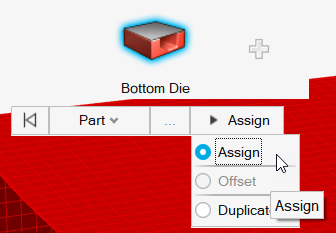
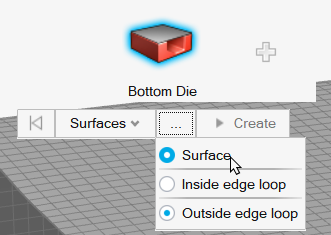
Tip: When working with surfaces, you can quickly select surfaces inside or outside an edge loop. When Inside edge loop or Outside edge loop is selected, clicking Create automatically selects the surface inside or outside the red loop indicator, significantly reducing model setup time.