
Build a Rear Suspension System Model
This section explains briefly how to build a rear suspension model. The procedure is similar to building the Front suspension model.
For example, use the Assembly tool under the Vehicle tools
extension.
- Select Read end of truck.
- Select Rear dual solid axle suspension as the Rear Suspension.
- Select Two-axle driveline system for Rear driveline.
- Select Bell crank linked leaf springs for Rear spring.
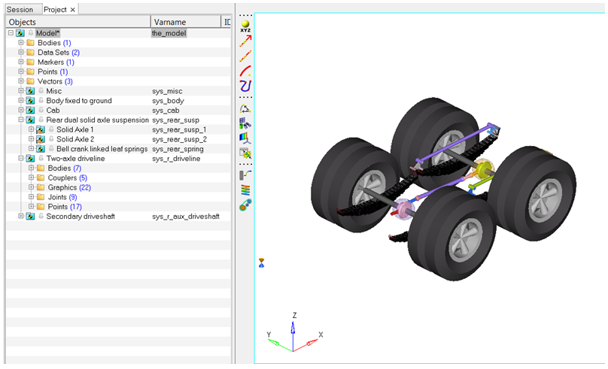
Use the default selections for the other systems. After building the model, the following
model is displayed in the modeling window:Figure 1.
The process of adding Events and plotting Reports is the same as for the front suspension.