
Mesh Settings
In Solution Browser, double click Mesh Settings
Description
The Mesh Settings is used to define the mesh parameters for CAD bodies added to a Flux solution. These parameters are used in mesh generation.
2D Solutions
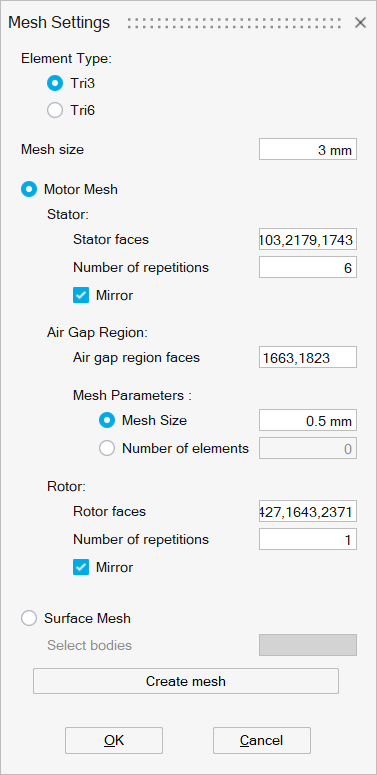
- Motor mesh
Motor mesh is used to create periodic / symmetry mesh on motors. For more details on motor mesh please refer Mesh | 2D Mesh | More Tools | Motor Mesh.
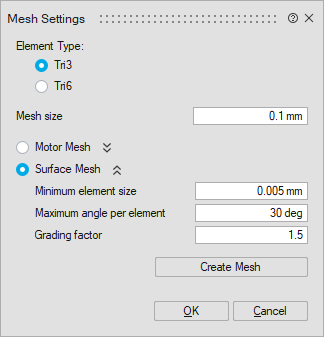
- Surface Mesh
Surface mesh is used to define the mesh settings for components other than motors. For more details on the mesh parameters, please refer: Mesh | 2D Mesh | Surface Mesh .
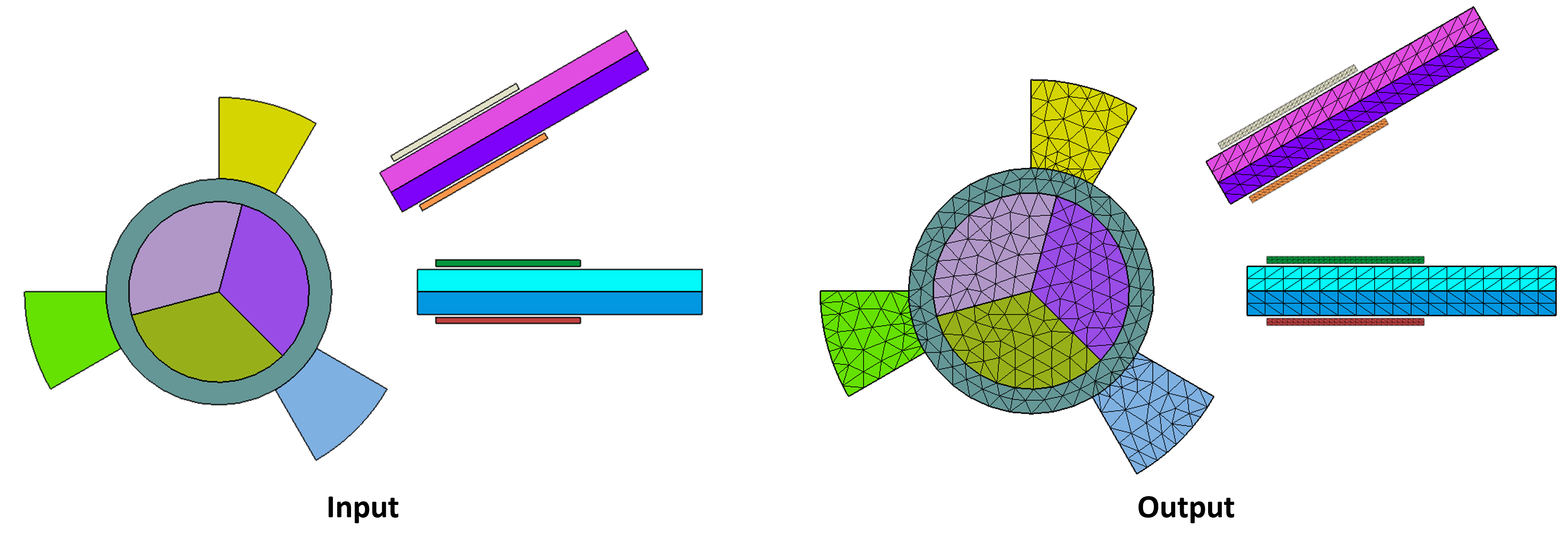
Axisymmetric solutions
By default, Tri6 elements are used to generate the mesh for an axisymmetric solution. For more details on the mesh parameters, please refer: Mesh | 2D Mesh | Surface Mesh .
3D Solutions
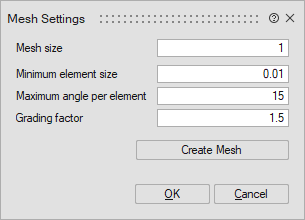
For 3D solutions, Mesh Settings controls the 3D mesh parameters. For more details on these mesh parameters, please refer Mesh | 3D Mesh | More Tools | EM Mesh .
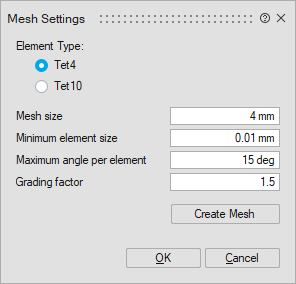
Create Mesh
Create mesh will be useful when the user wants to generate the mesh and visualize / inspect it manually. Otherwise, the mesh will be generated automatically before solving.