Shapes are now drawn as transparent mesh instead of vectors.
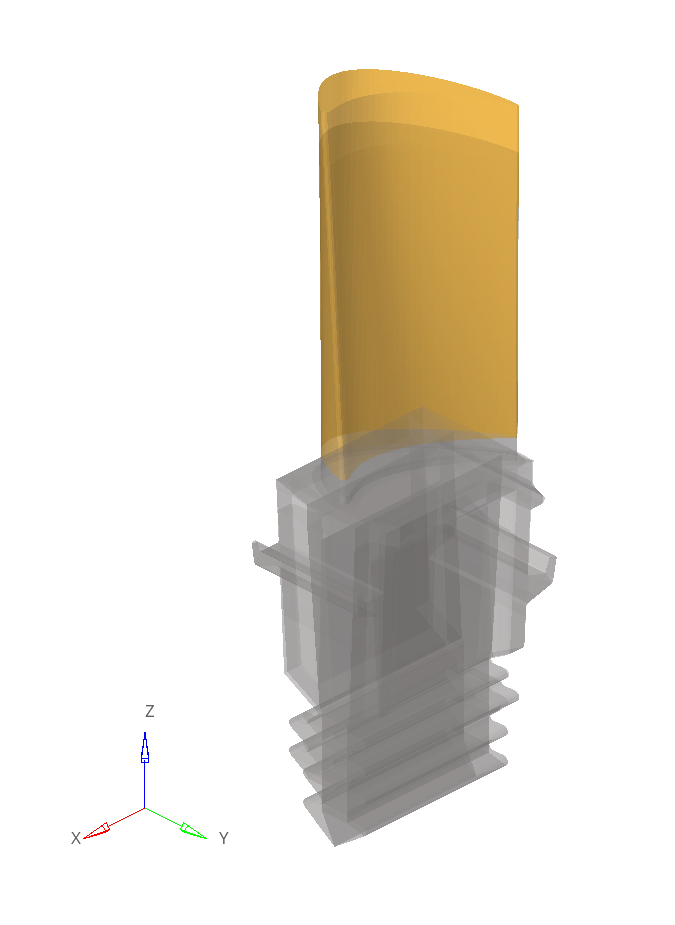
When you create a shape, a transparent mesh is drawn, which corresponds
to the perturbation of each node associated with that shape. The
transparent mesh signifies the position of each node after applying the
shape.Figure 1. Figure 1 shows an example of a shape drawn as transparent mesh on screen.
Review Shapes
Shape entities can now be reviewed by activating the Review (Q)
functionality. Shapes will be drawn with the highlight color when in
Review mode and everything else will become transparent. This is
especially useful when examining shapes that are inside the original
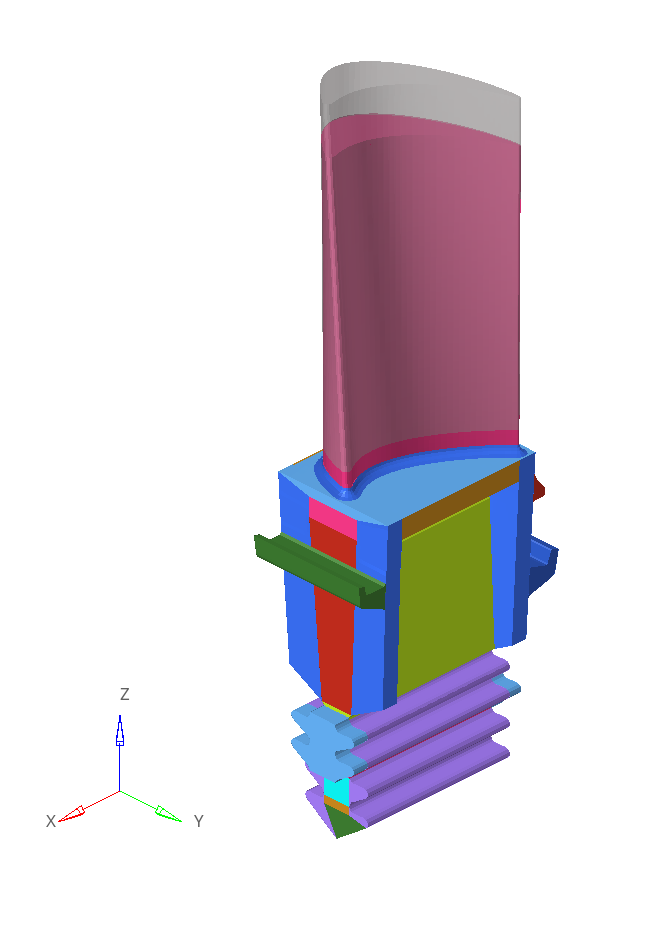
mesh.Figure 2. Figure 2 shows an example of a shape in Review mode (Q).
Important: Any nodes that move less than 5% with respect to the maximum node
movement associated with that shape will not be drawn on screen as
transparent mesh. This is done to focus the shape visualization on
the moving nodes and to increase performance for shapes that
encompass the whole model (for example, morphing with kriging and
volume morphing).
Enhancements
Miscellaneous
Morph constraints can now be created by selecting FE geometry
surfaces.
The Morph Constraint ON option now supports selecting multiple
surfaces.
Free Morph: the automatic population of anchors and morph area is now
triggered each time the Automatic check box is selected.
Performance Improvements
Record Shape: performance has been improved.
Proximity Morph: interactive morphing is significantly faster when you
morph with nodes, faces, or edges. The effect is more profound with
bigger models.
Volume Morph: performance has been improved when creating 10.000 or more
volumes using the sweep method.
The performance has been improved when mapping to geometry.
Resolved Issues
The Non-Linear Explicit morphing method now works properly.
The Linear Static morphing method now works properly.
Models no longer occasionally crash after remeshing post morph.
Models no longer occasionally crash after deleting morph volumes.
Models no longer crash after mapping elements to lines using the kriging
method.