
Connectivity Analysis Solution

Introduction
The Connectivity Analysis solution is used to evaluate the wireless connectivity or antenna performance in an urban environment. If the urban environment is not flat, topography can be included.
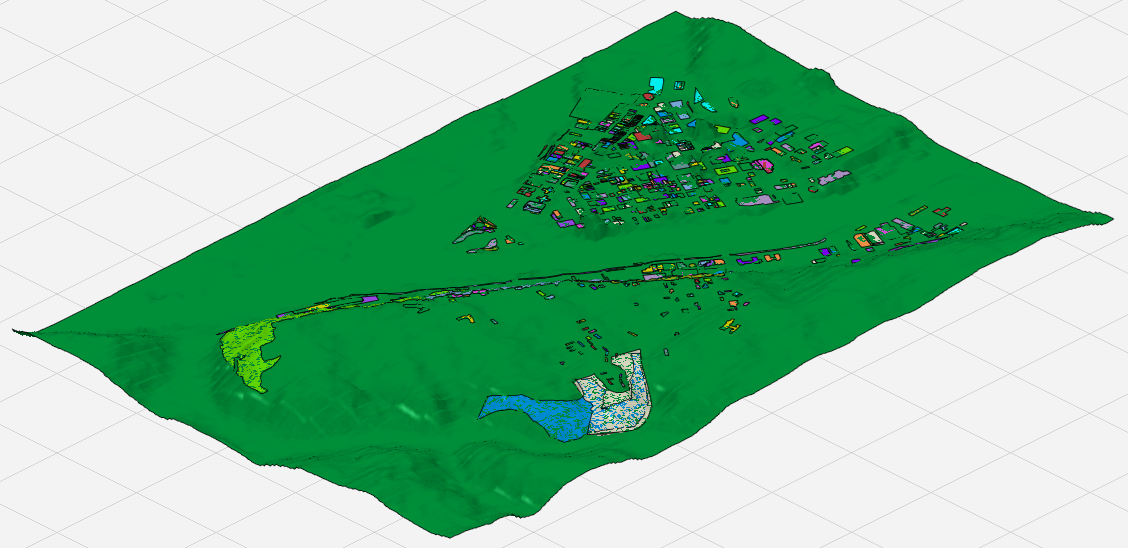
Applications include (but not limited to) the analysis of car-antenna performance along a trajectory using a virtual drive test where the wireless connectivity is evaluated along a trajectory. For example, a trajectory of several kilometers length near an LTE base station.
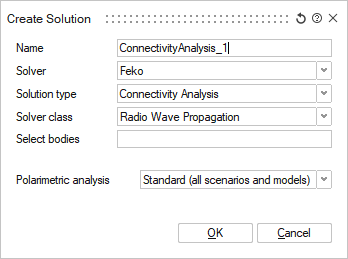
Workflow in SimLab:
- Import a discrete model such as a WinProp .oda file or an Open Street Map (.osm) file.
- Set the model units.
- Define a Connectivity Analysis solution.
- Define a coordinate system for the stationary TX antenna placement.
- Add a TX antenna.
- Add a RX antenna.
- Define an antenna array using the RX antenna.
- Specify the prediction area, points or trajectories.
- Specify the solver settings.
- Define the result requests.
- Specify the execute options.
- Save the model.
- Solve the model and view the results.