
Optimization

Introduction
The optimize option is used to define optimization setup for an existing analysis setup.
Features
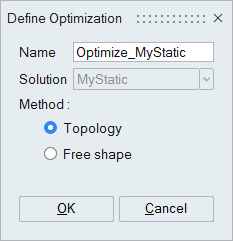
- Supported optimization types,
- Topology
- Free Shape
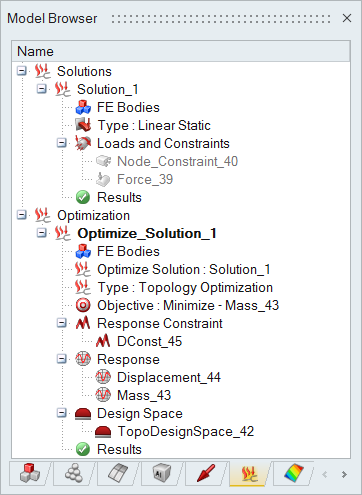
Note: Magneto-mechanical optimization (through Flux and OptiStruct solvers) supports only Topology optimization type. - Set the optimization as current to display or define Design Space, Response, Response constraint and Objectives.
- The optimize option is supported only for OptiStruct, AcuSolve and Flux solutions.
- The Optimization setup is compatible with other solutions that share the same bodies, allowing optimization to be performed.
- The Shape Explorer tool is used to visualize topology optimization results and export the shape in *.STL format.
- The optimization setup can be exported as template and used for other solutions.