Since version 2026, Flux 3D and Flux PEEC are no longer available.
Please use SimLab to create a new 3D project or to import an existing Flux 3D project.
Please use SimLab to create a new PEEC project (not possible to import an existing Flux PEEC project).
/!\ Documentation updates are in progress – some mentions of 3D may still appear.
Display of results
Presentation
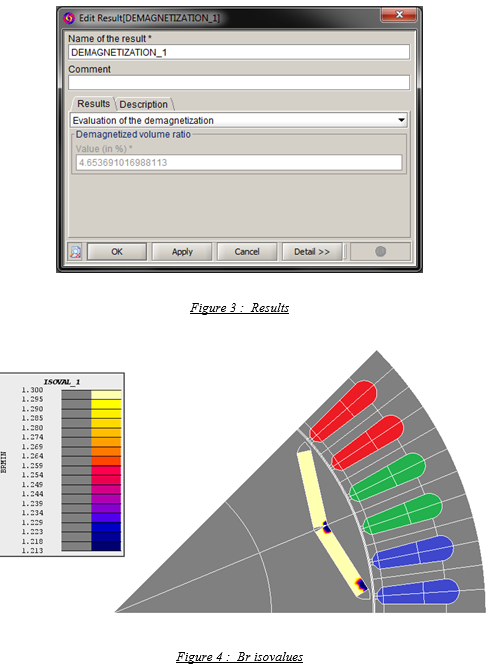
The result is a percentage of the magnet volume that is demagnetized under a threshold (90% by default).
The isovalues can be also plotted with the spatial quantities BRMIN
(by default).
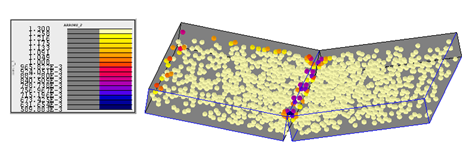
In 3D in order to visualize the inside of the magnet, we can also display the arrows, as they are not oriented, we have balls.