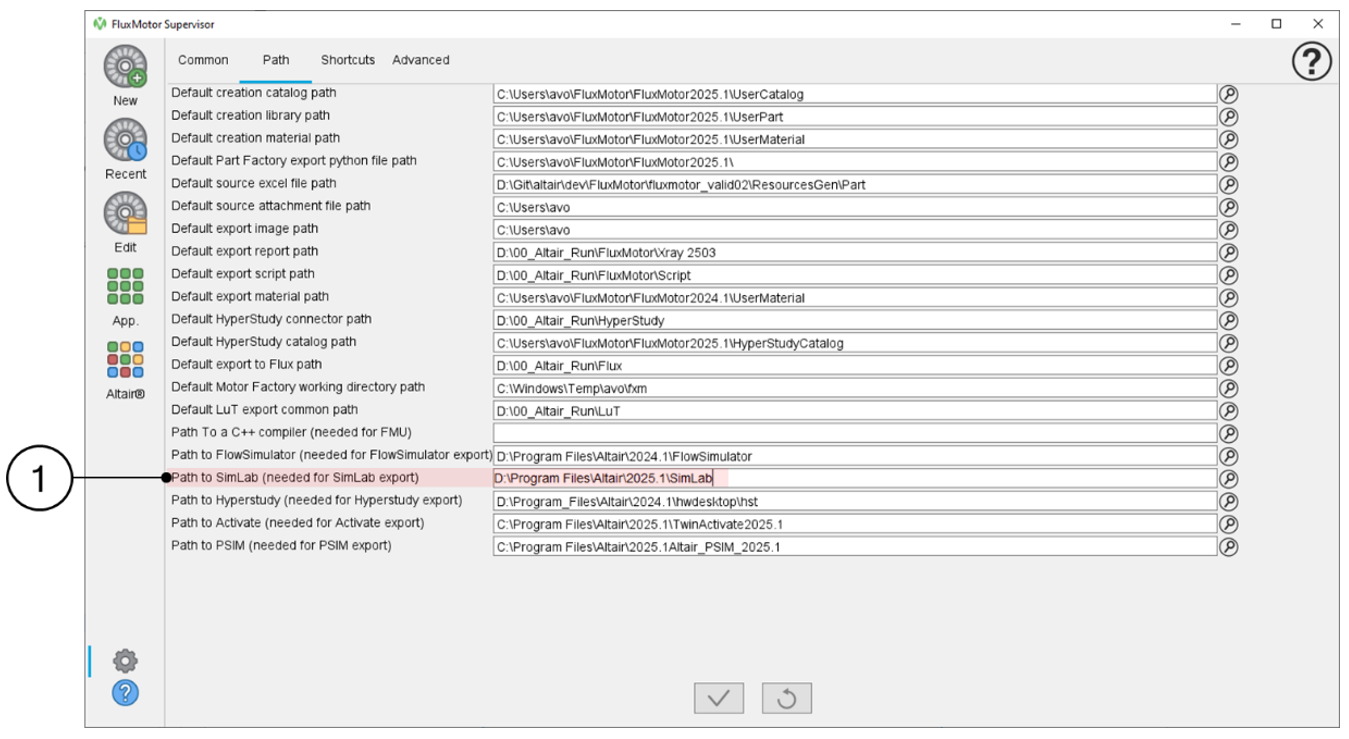
Add SimLab path to FluxMotor Supervisor
Warning: To use a SimLab part in FluxMotor,
users must specify the path to the SimLab installation.
In the FluxMotor Supervisor, navigate to Preferences to set the Path to SimLab installation.
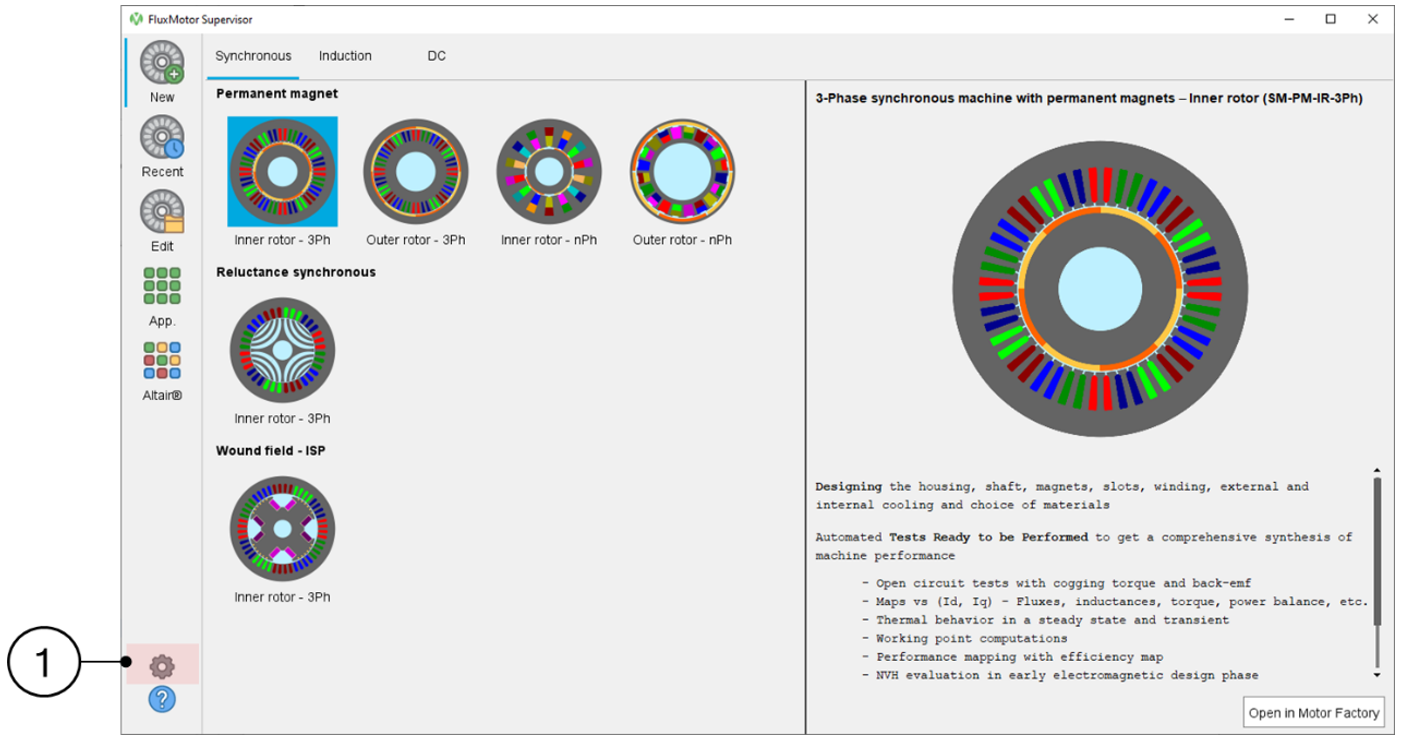
The correct path must be provided. Then, a reboot of FluxMotor applications is required to apply the preference modification. This ensures that the part can be successfully imported into FluxMotor and that the geometrical transactions can be processed when parameters are modified.