
Design Space

Introduction
This tool is used to define the design space for optimization. Based on the Optimization method selected, either Topology or Free Shape Design Space can be defined.
Topology Design Space
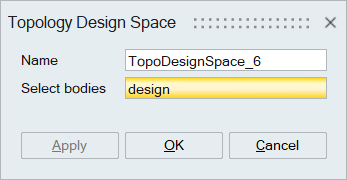
Magneto-mechanical Topology Design Space
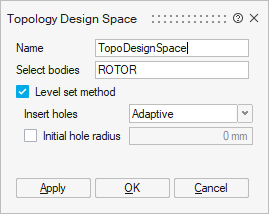
CFD Topology Design Space
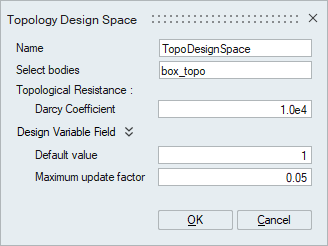
Free Shape Design Space
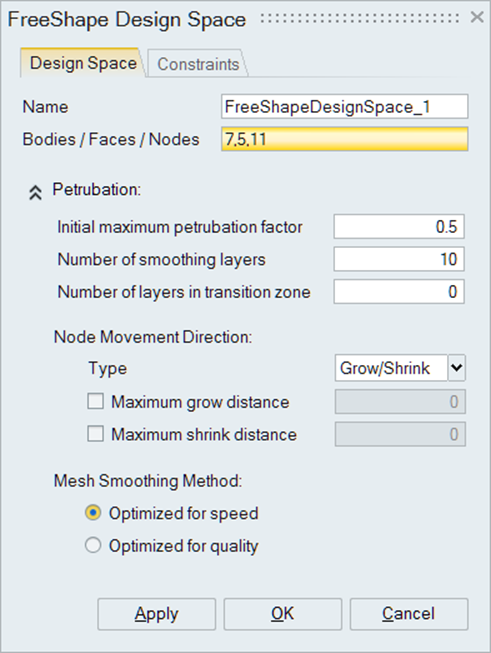
Topology Optimization
- Select either shell,solid or bar/beam bodies to define design space for topology optimization. An option to enable level set optimization is supported.
CFD Topology Optimization
- Select a solid body to define design space for CFD topology optimization.
- Darcy coefficient and design variable field parameters.
Magneto-mechanical Topology Optimization
- Select a name for the Optimization solution
- Select a Flux solution from the Solution drop-down menu
- Select an OptiStruct solution form the Coupled solution drop-down menu
Note: The "coupled solution" field is shown only once a Flux
solution is selected from the Solution drop-down menu. Detailed description at: Magneto-Mechanical Topology Optimization
Free Shape Optimization
- Select the faces / bodies / nodes, whose nodes are to be considered for Free shape optimization. If bodies are selected only the surface nodes will be used for optimization.
- The following constraints / parameters of free shape design space can be defined,
- Perturbation information
-
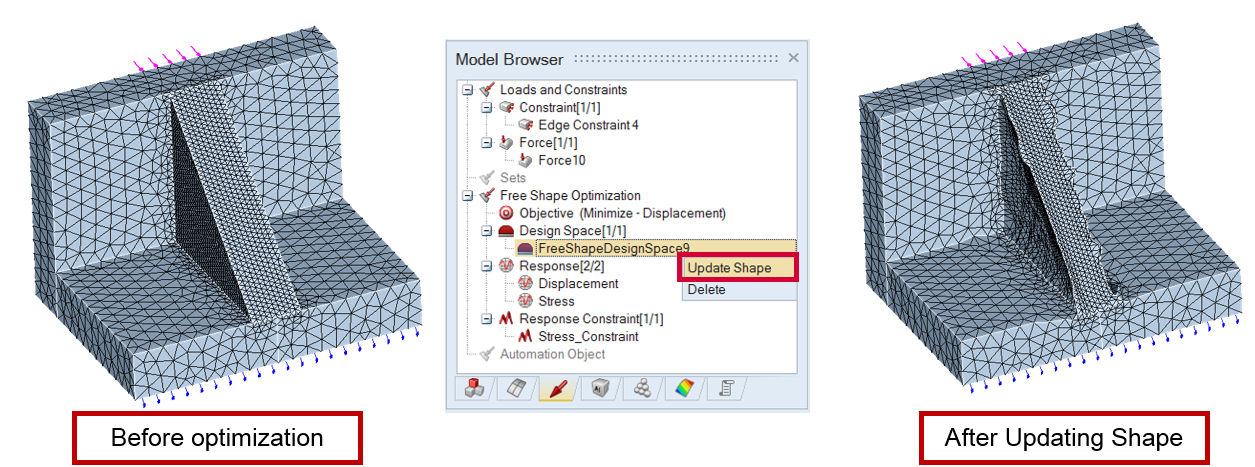
Update Shape option is available at right click of free shape design space tree item. The Update shape option is used to import the *.grid files from free shape optimization result and update the shape of the model. This is present only in classic approach.
Note: For the defined design space,design space constraints can be
defined using design space
constraint.
Cards supported for solvers
| Solver | Supported Cards |
|---|---|
| OptiStruct |
Topology: DTPL, optional parameters - TMIN, STRESS, MEMBSIZ, MESH, DRAW, EXTR, PATRN Free shape: DSHAPE, optional parameters - PERT, PATRN, DRAW, EXTR, BMESH, GRIDCON |
| AcuSolve | DESIGN_VARIABLES_FIELD |