Adding a Spherical Mode Source
Apply an impressed spherical mode source based on pre-calculated spherical modes. The spherical modes are either radiating to infinity or incident onto a structure (converging on the coordinate system origin).
This source can be used for the synthesis of an arbitrary electromagnetic field as well as determining the response of a receiving antenna due to the incident modes.
-
On the Source/Load tab, in the
Equivalent Sources group, click the
 Spherical Mode Source icon.
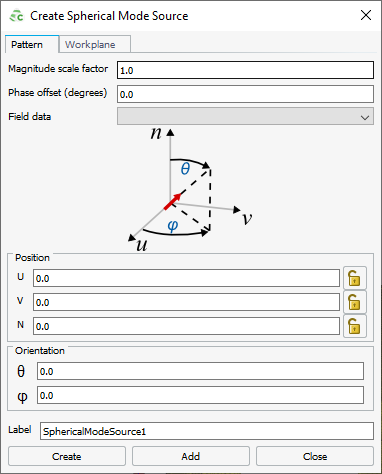
Figure 1. The Create Spherical Mode Source dialog.