Preferences
CADFEKO has various default settings that you can configure to customise it to your preference.
On the application menu, click  . The settings can be reset to the default settings at any time, restoring the settings to the state of a new installation.
Many of the settings are applied immediately, but some of the settings such as 3D view font changes require the application to be restarted before the changes take effect.
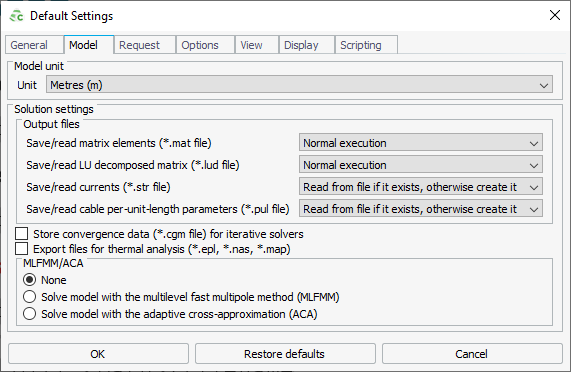
Figure 1. The Default settings dialog.