
Undo Redo
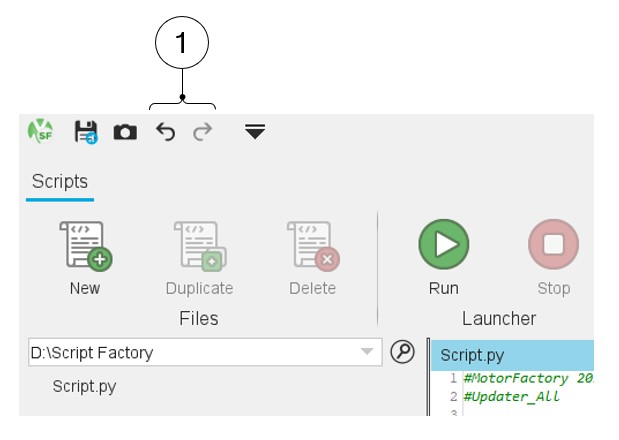
Undo, Redo functions
 |
|
|---|---|
| 1 | LOG tab gives the information for each command executed in the software and to check whether the command has been executed correctly or not. |
| 2 | ERROR tabs give the error message (as a popup does in GUI environments). |
The “Undo” and “Redo” functions apply to editing the text of command files.
“Undo” or “Redo” last actions is possible, directly from the top part of the Script Factory via two dedicated icons, which represent respectively a backward arrow and a forward arrow.
The Undo function cancels the last action.
Redo is active only if the undo action has been applied. The Redo function replays the last action = removes the last undo action.
Once a project is saved, the undo and redo functions become inactive (greyed icon) if no new modification has been made (Topology and / or dimension).