
RunStop
launcher of python script
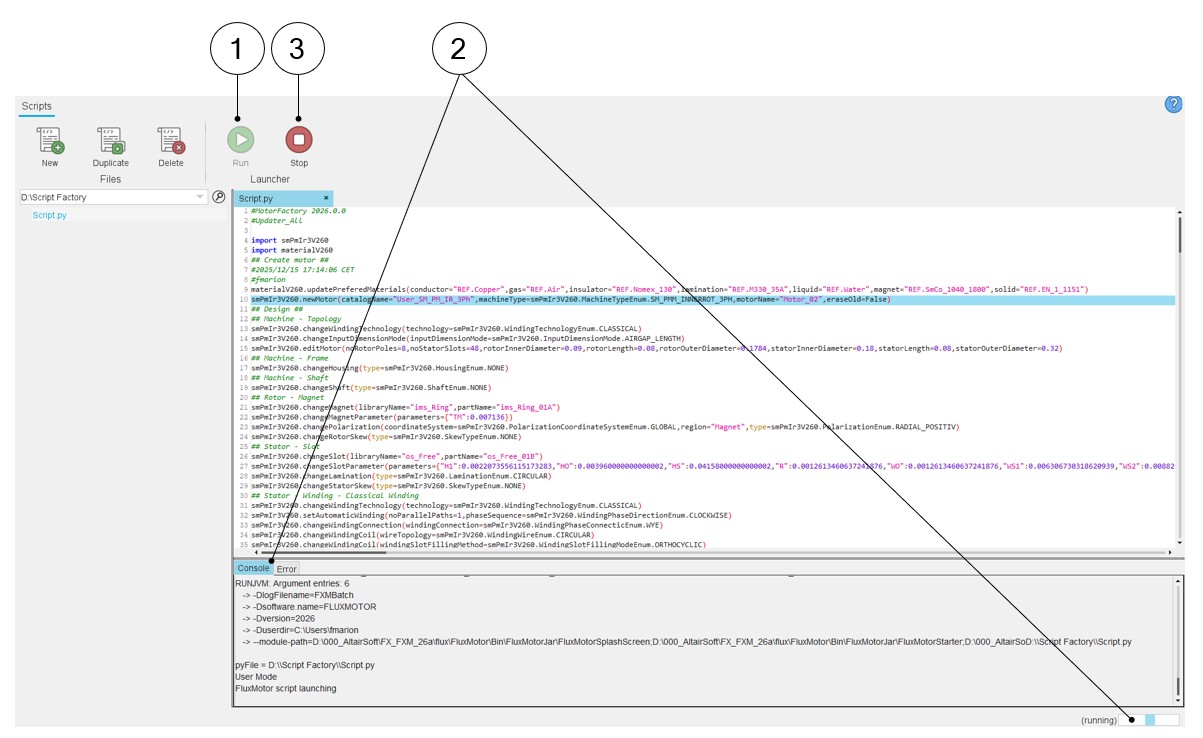
In the Script Factory application, there is a launcher of a python file, that means an edited python file can be run and stopped.
 |
|
|---|---|
| 1 | Click on the icon “Run” via the Launcher menu to run the Edited file. |
| 2 | The Log folder scrolls during the run, and a ping-pong bar appears. |
| 3 | To stop the file execution, click on the icon “Stop” via the Launcher menu. |