
Save
How to save a file?
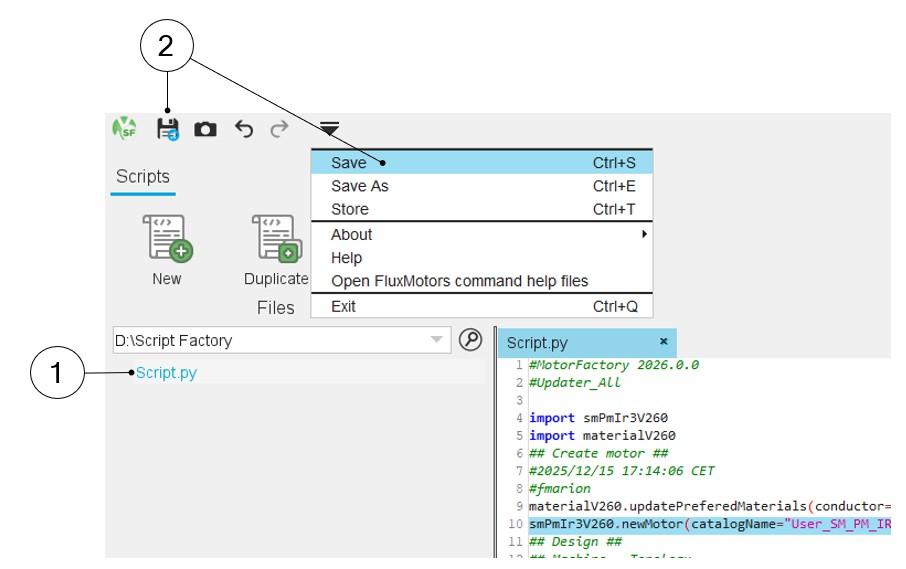
In Script Factory application, a selected python file from the workspace tree can be saved.
 |
|
|---|---|
| 1 | Select a python file in the workspace tree. |
| 2 | Click on the icon “Save” in the Files menu or right click on the selected python file and then select the “Save” option. |
Note: A python file can be saved with the same name with the
“Save” function.
Note: To “Save” a file, you can also use the classical keyboard
shortcut “Ctrl+S”.