Lamination
Type of lamination
The tools available in the lamination tab allow us to define the outer shape of the lamination.
Circular shape lamination
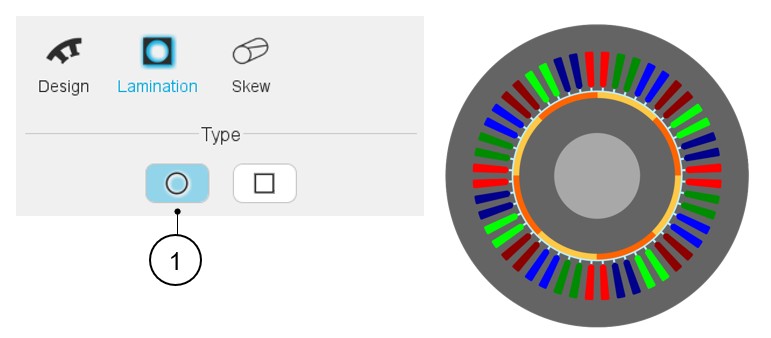
By default, the lamination is circular. The outer diameter of the lamination is defined in the structural data of the topology in the specification of the machine.
 |
|
|---|---|
| 1 | Default setting: Lamination type is « Circular ». |
Square shape lamination
 |
|
|---|---|
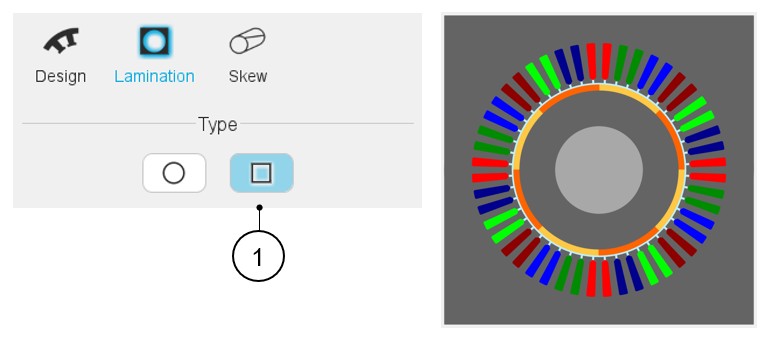
| 1 | Selection of a “Square” type lamination. |
- Main type of square shape lamination
Table 3. Main type of square shape lamination 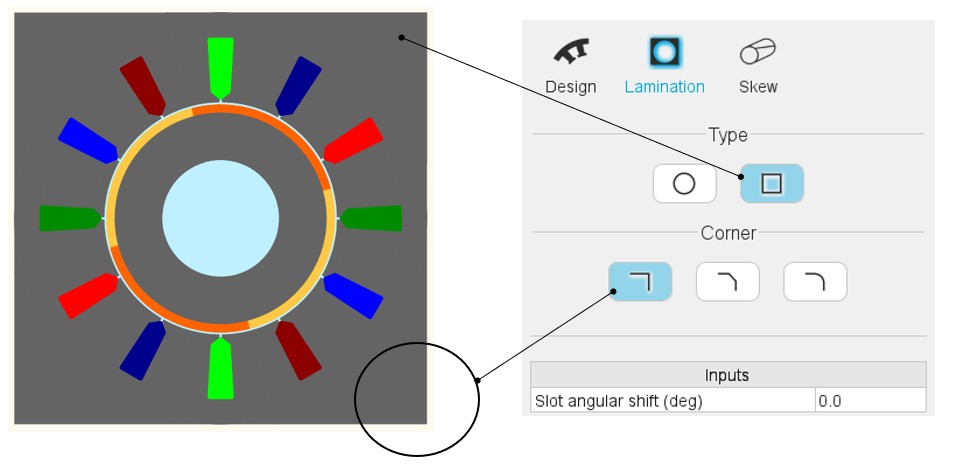
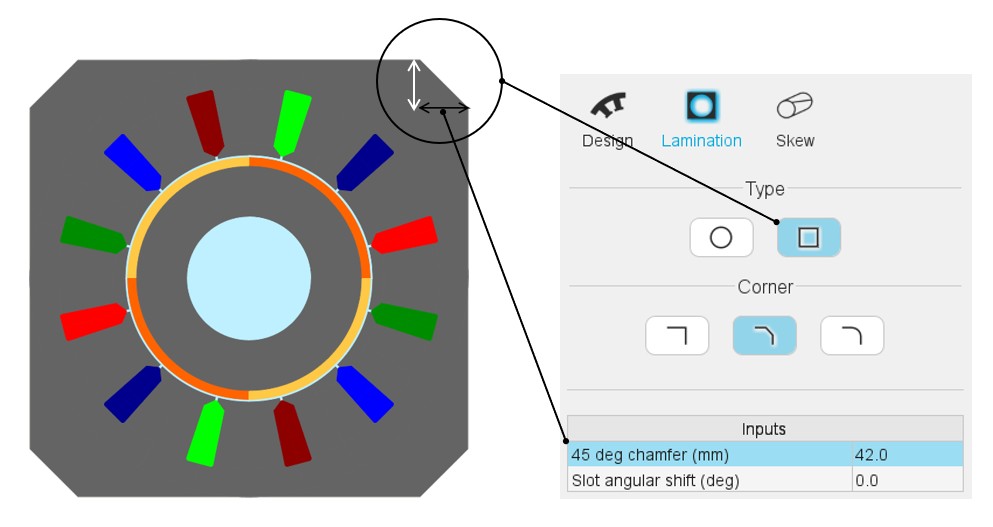
Square shape lamination with right corner Square shape lamination with chamfer corner Setting of the length corresponding to a 45° chamfer
Table 4. Main type of square shape lamination 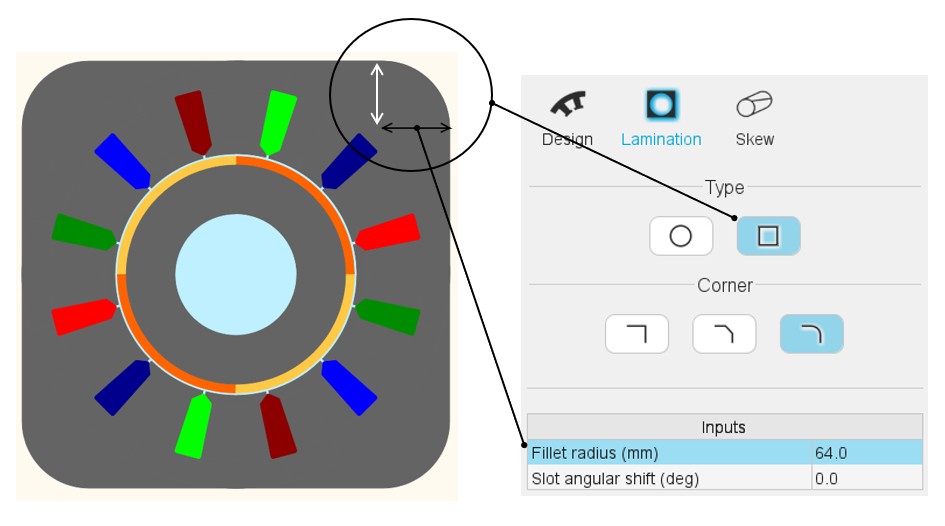
Square shape lamination with fillet corner - Setting of the lamination fillet radius - Definition of the slot angular shift
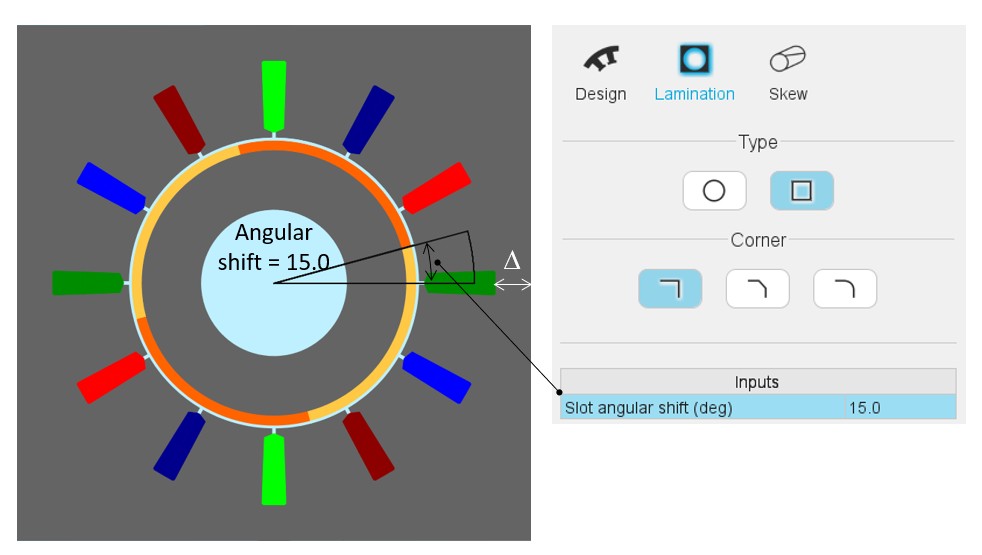
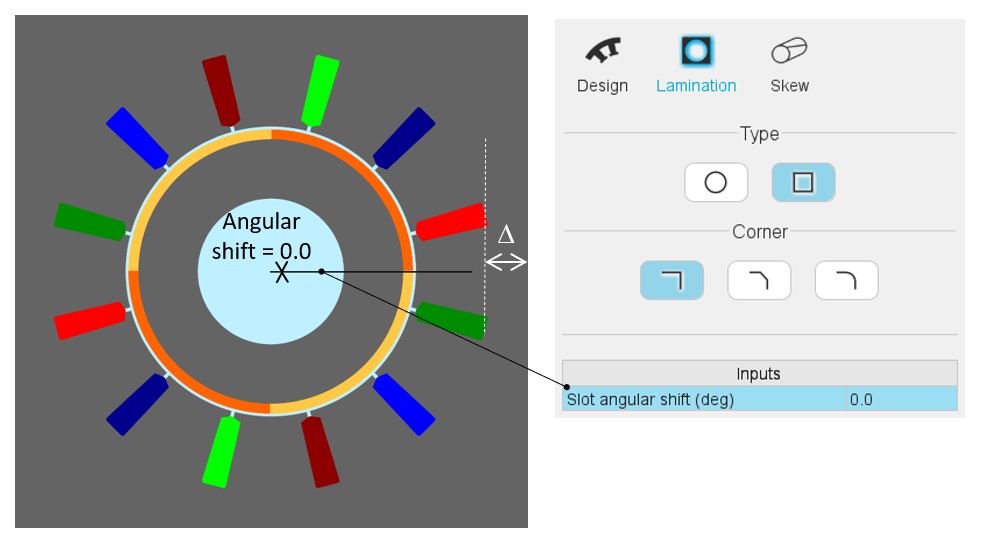
With square shape lamination, it is possible to set a slot angular shift. It is advised to keep an angular shift lower than one slot pitch.
This parameter allows adjusting the outer dimension () between the outer border of the lamination and the bottom part of the slots. For more details see the illustrations below.