
Saliency
Overview
In Motor Factory – Design area, the environment “Saliency” allows to design the shape and dimensions of the machine saliency.
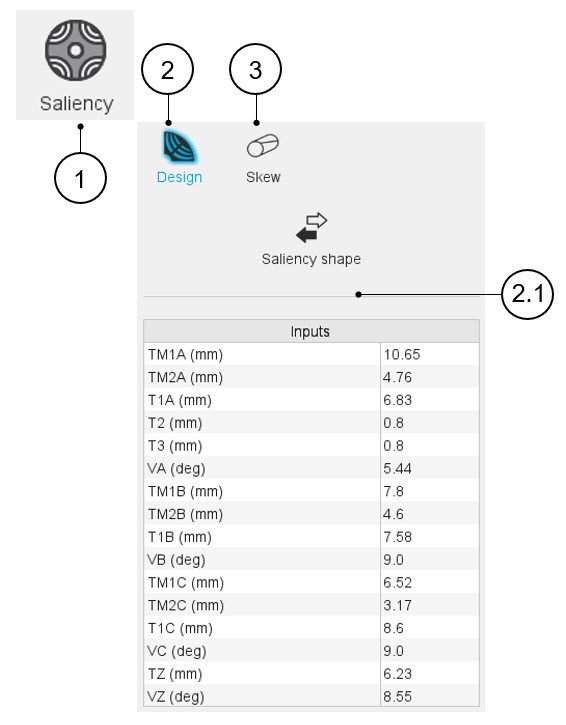
For Inner Rotor machines, two sections are available: Design, and Skew.
 |
|
|---|---|
| 1 | Selection of the Saliency panel (Click on the icon
Saliency) Several sections allow defining all characteristics that deal with Saliency: Design, and Skew. |
| 2 | Access to the section dedicated to the design of the slot. Note: By default, the section Design is
selected. |
| 2.1 | Selection of the shape and settings of the user inputs dedicated to the design of the saliency. |
| 3 | The Skew tab gives the tools to define the saliency skew topology. |