
Reset Units Association
-
Click
 in the top-right corner of the modeling window.
- In the search bar, enter Tools.
-
Select Reset Units Association from the list of
options.
Figure 1. 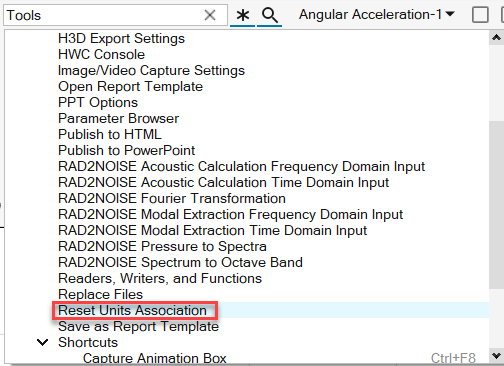
-
From the Reset Units Association dialog, select a file name from the list and
click Reset Units.
Figure 2. 