
Since version 2026, Flux 3D and Flux PEEC are no longer available.
Please use SimLab to create a new 3D project or to import an existing Flux 3D project.
Please use SimLab to create a new PEEC project (not possible to import an existing Flux PEEC project).
/!\ Documentation updates are in progress – some mentions of 3D may still appear.
Geometry building module
Introduction
This section deals with the operation of the geometry building module : principle of construction algorithms, authorized shapes, difficulties that may occur during the construction of geometry...
NEW TOOLS: Sketcher / Modeler
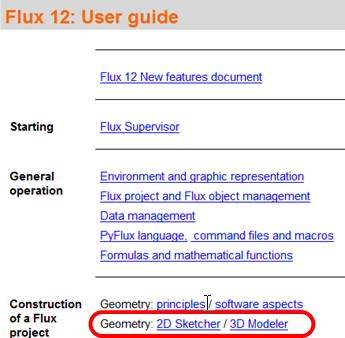
Starting from Flux 12 version, to CAD tools have been added to facilitate the geometry description, the Sketcher 2D and the Modeler 3D. To consult the functionalities of these tools, please consult chapter in the online help accessible directly from Flux software in the menu Help à Help (HTML Documentation)
The previous method always exists and is presented in the following paragraphs. But we recommend that you change the method and use the Sketcher in 2D and Modeler in 3D, which will become the default tools in the future.