
Since version 2026, Flux 3D and Flux PEEC are no longer available.
Please use SimLab to create a new 3D project or to import an existing Flux 3D project.
Please use SimLab to create a new PEEC project (not possible to import an existing Flux PEEC project).
/!\ Documentation updates are in progress – some mentions of 3D may still appear.
Infinite Box: Complete the Infinite Box
Infinite box : reminder
The main domain of finite element computation is, in many cases, surrounded by a special region called Infinite Box (IB).
This technique permits the user to limit the size of the finite element computation domain and takes into account the infinite.
Construction of the IB
The Infinite Box is created as follows:
| Stage | Description |
|---|---|
| 1 |
Creation of points and lines in the Infinite Box : Command: Create Infinite Box |
| 2 |
Creation of closing lines if necessary : Command: Create Line |
| 3 |
Construction of faces : Command: Construct face |
Completing IB
To facilitate the user's work, stages 2 and 3 can be carried out at one time by the command: Complete Infinite Box .
Remark: in case of imported mesh (see HyperMesh (and OptiStruct) and SimLab mesh import), a specific building option allows creating lines and faces, and mesh for the non-meshed parts. This option is called “add geometry and mesh after mesh import”.
Example
The use of the command Complete Infinite Box, in the case of a 2D device with 1 plan of periodicity, is presented in the figures below.
|
Effect of the command "Create IB" |
Effect of the command "Complete IB" |
|---|---|
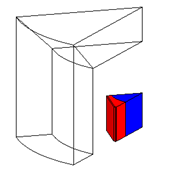
|
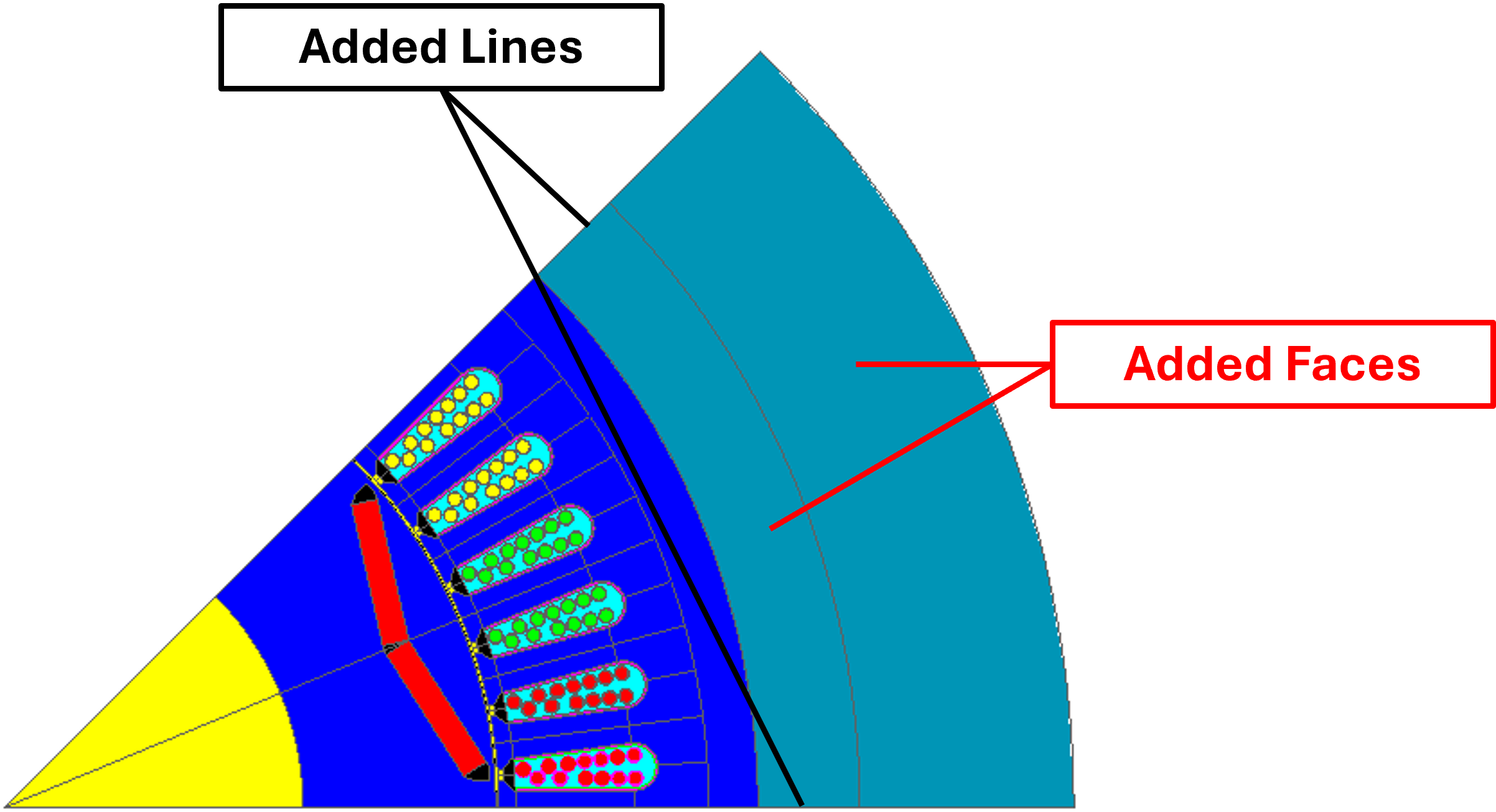
|
In the presence of periodicity
In case of devices with repetitive geometry the computation domain represents a reduced portion of the device (the basic geometry). It is possible to set the appropriate boundary conditions of periodicities to the periodicity plans.
Like the command Propagate ligne , the command Complete IB offers the user an option to create a linked mesh generator that is associated to the repetitive lines.