
Create and set up the Project
You must first create and compile the new project and in Visual Studio 2019 For Windows Desktop
-
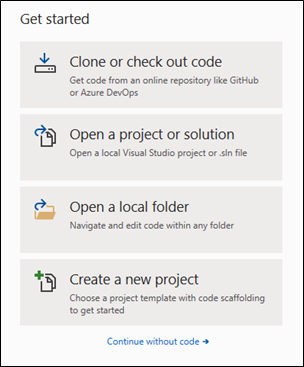
Open Visual Studio 2019 and select Create a new
project.
-
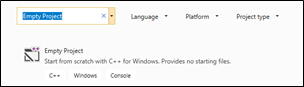
Select Empty Project.
-
Specify the project name, a location, and the
VariableCohesion solution, and then click
OK.
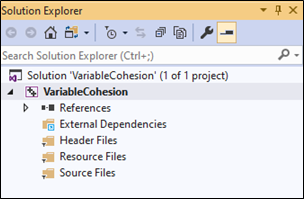
- In the Solution Explorer dialog box, right-click the project name and then select Properties.
- Click General settings, and then select the x64 platform.
- Select All Configurations.
-
In the VariableCohesion Property Pages dialog box,
select the General tab and change the Configuration Type
to Dynamic Library (.dll).
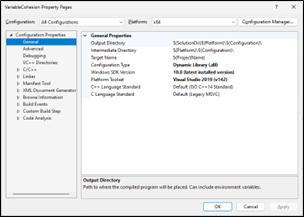
This compiles the contact model as an external library that EDEM will read during the simulation.