
Intersect
Extract curves resulting from the intersection of the sketch plane with selected parts or surfaces.
Create Intersection Curves
-
On the Sketch ribbon, select the
Intersect tool.

-
On the toolbar, select Parts to choose parts to
intersect with the sketch plane, or select Surfaces to
choose surfaces to intersect with the sketch plane.
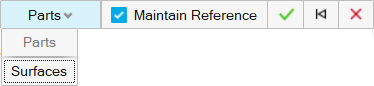
- Select part(s) or surface(s) that intersect with the sketch plane to create intersection curves.
-
Select the Maintain Reference checkbox if you want the
intersected feature to retain a reference to the original geometry. Clear the
checkbox to intersect without a reference to the original geometry.
The referenced entities are intersected with the sketch plane as stippled construction lines. Unreferenced entities are intersected onto the sketch plane as underdefined construction lines.Note:
- You can set the Maintain Reference checkbox independently for each intersection in a sketch.
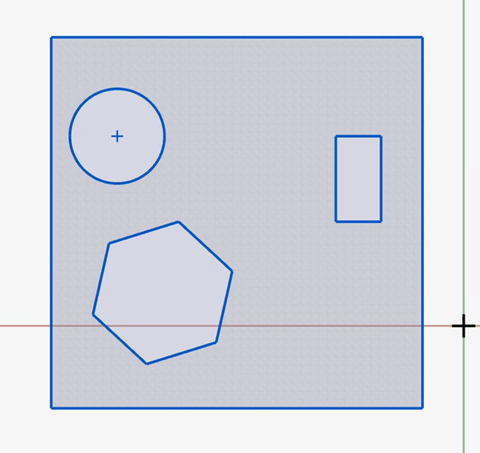
- If you intersect a sketch plane with a triangle mesh, imported STL,
or optimized shape, curves are extracted where the shape intersects
the sketch plane:
- Right-click and mouse through the check mark to exit, or double-right-click.