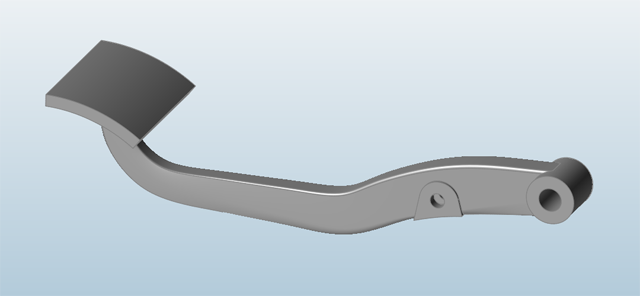
When displaying 3D objects on a 2D plane, you can use perspective projection or
orthographic projection.
Tip: Click in the view controls and choose Clip model on zoom in to
allow zooming inside and through the model. When the opitin is turned off, zooming
is limited to the outside surface of the model.
Perspective Projection
Perspective projection shows distant objects as smaller and close objects as larger
to provide greater realism.
To switch to perspective projection, click in the view controls and choose
Perspective from the menu.
Orthographic Projection
Orthographic projection is useful when you want to create scale drawings with
accurate measurements and proportions.
To switch to orthographic projection, click in the view controls and choose
Orthographic from the menu.

 in the view controls and choose Clip model on zoom in to
allow zooming inside and through the model. When the opitin is turned off, zooming
is limited to the outside surface of the model.
in the view controls and choose Clip model on zoom in to
allow zooming inside and through the model. When the opitin is turned off, zooming
is limited to the outside surface of the model.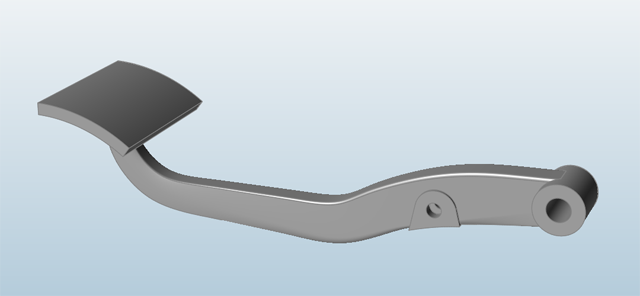
 in the view controls and choose
Orthographic from the menu.
in the view controls and choose
Orthographic from the menu.