
FEMT 2023: Modification of scales
Introduction
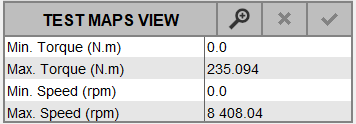
Since FEMT 2023, it is possible to modify the scales of all efficiency maps:
- graphically
- manually
Steps for graphical modification of scales
- Click on

- On the efficiency map, do a rectangle selection
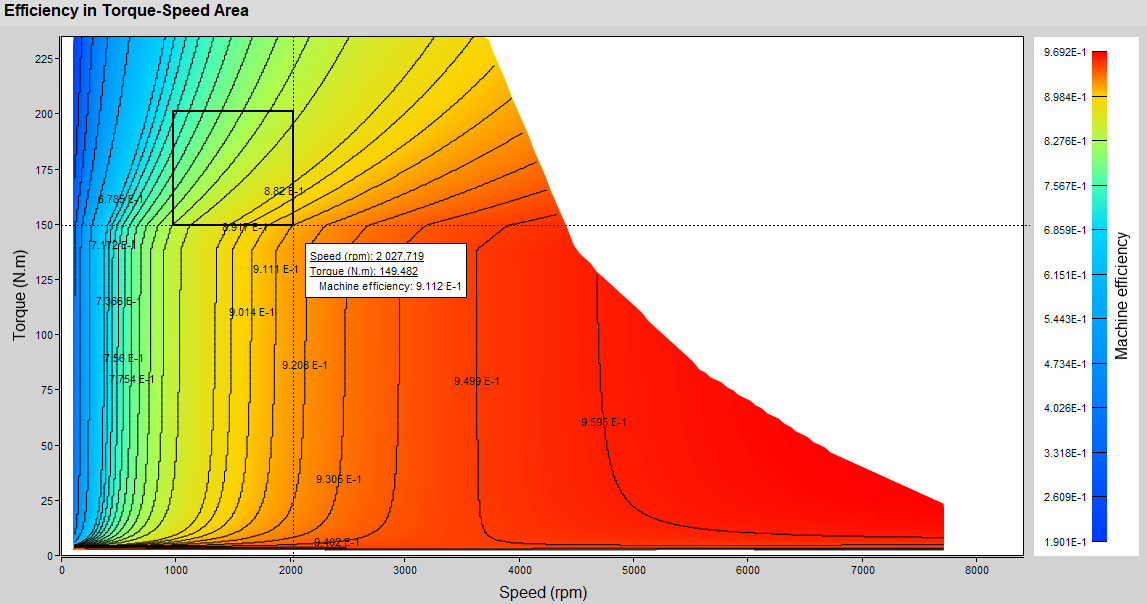
→ Map rebuilding takes a few seconds

→ Recomputed efficiency maps are updated
→ Values are updatedBefore modification After modification 


Steps for manual modification of scales
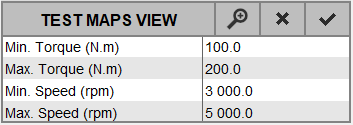
- Edit the value you want to modify

-
Modify the wished value and validate with the Enter key

-
Edit and Modify other values if you want
-
Validate all modifications by clicking on

→ Map rebuilding takes a few seconds
→ Recomputed efficiency maps are updated
Before modification After modification 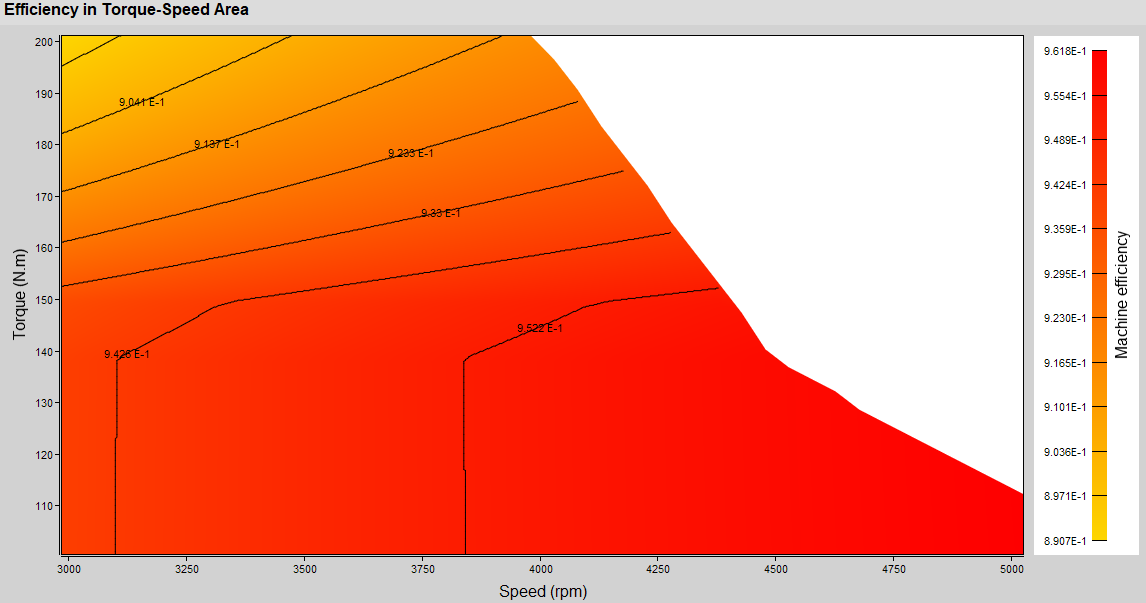
Notes
Important: The modification is applied to all
displayed efficiency maps.
Note: After modification, it is possible to reset the scale
values by clicking on 
Note: These modifications are only taken into account when
displaying efficiency maps. The new values are not taken into account when
exporting a test.