
Launch Access Desktop
Launch Access Desktop client to start using Remote Desktops sessions.
Double-click the Access Desktop client  shortcut that appears on the desktop or start Access
Desktop client from the Start menu.
shortcut that appears on the desktop or start Access
Desktop client from the Start menu.
Once Access Desktop client is up and running, you are prompted to select Access Web server.
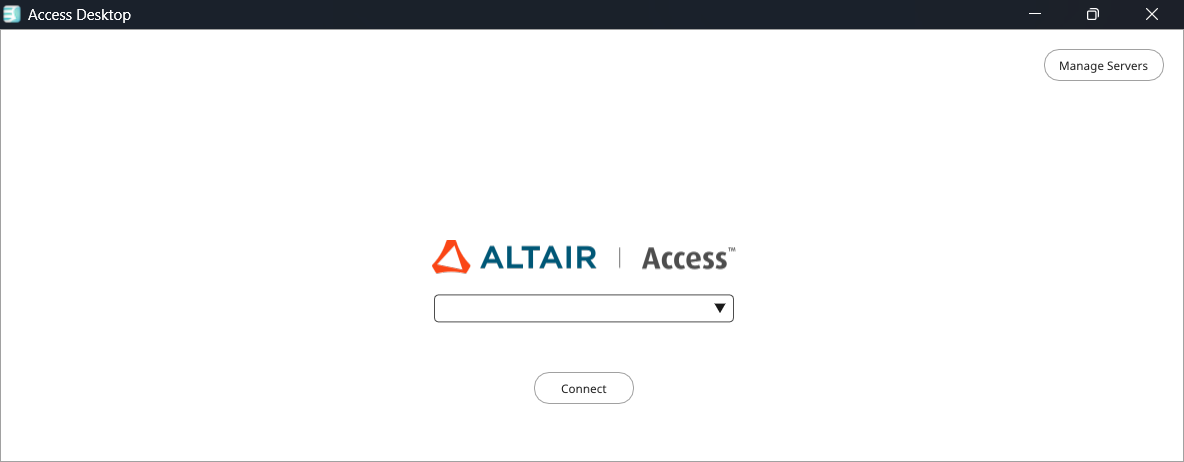
Note: You can add Access Web server by
selecting Manage Servers.