
What's new in Altair® FluxMotor® 2026
Highlights of the new version
This document provides the major information about Altair® FluxMotor® 2026. The main highlights of this new version are described below.
For more detailed information, please refer to the user help guides. The list of documents to read is presented below.
Highlights of the new version
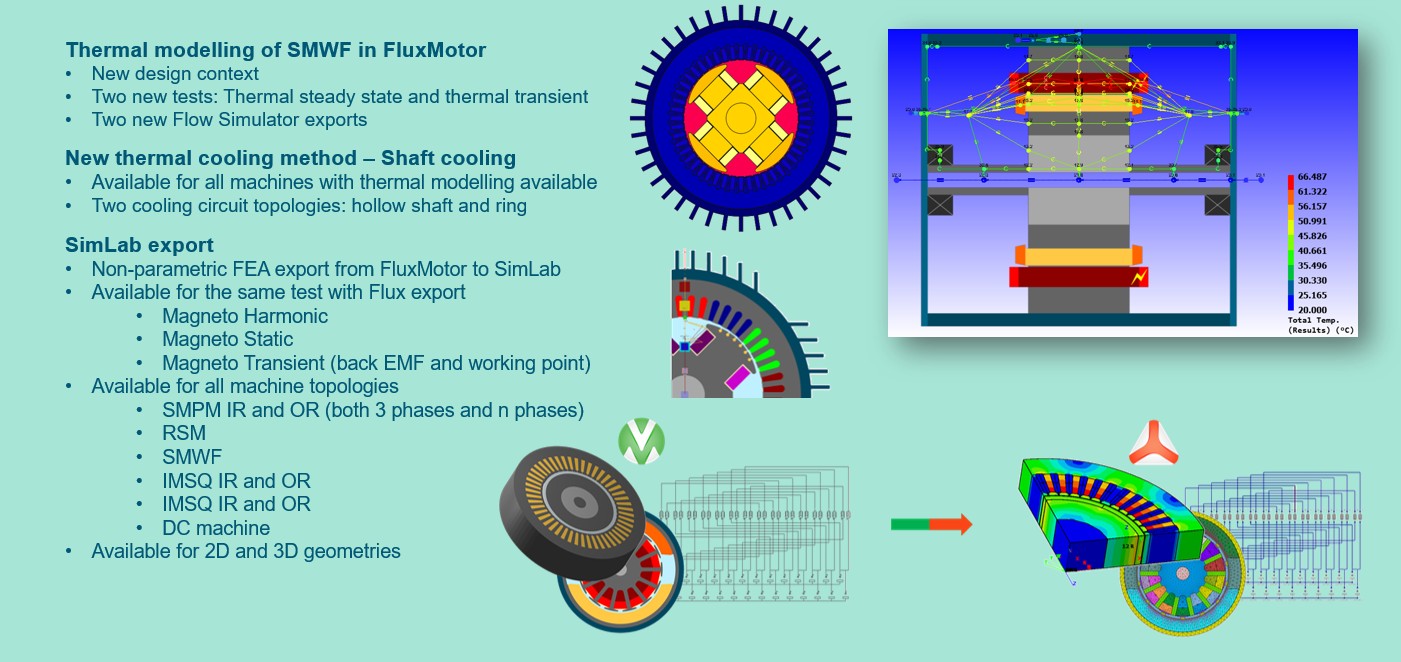
- Thermal modelling of SMWF in FluxMotor
- New design context
- Two new tests: Thermal steady state and thermal transient
- Two new Flow Simulator exports: Thermal steady state and thermal transient
- New thermal cooling method – shaft cooling
- Available for SMPM, RSM, SMWF and IMSQ topologies
- Two cooling circuit topologies: hollow shaft and ring
- SimLab export
- Non-parametric FEA export from FluxMotor to SimLab
- Available for all the tests where Flux export is available (MH, MS, MT back EMF and working point)
- Available for all machine topologies
- SMPM IR and OR (3 phases and n phases)
- RSM
- SMWF
- IMSQ IR and OR
- DC machine
- Available for 2D and 3D geometries
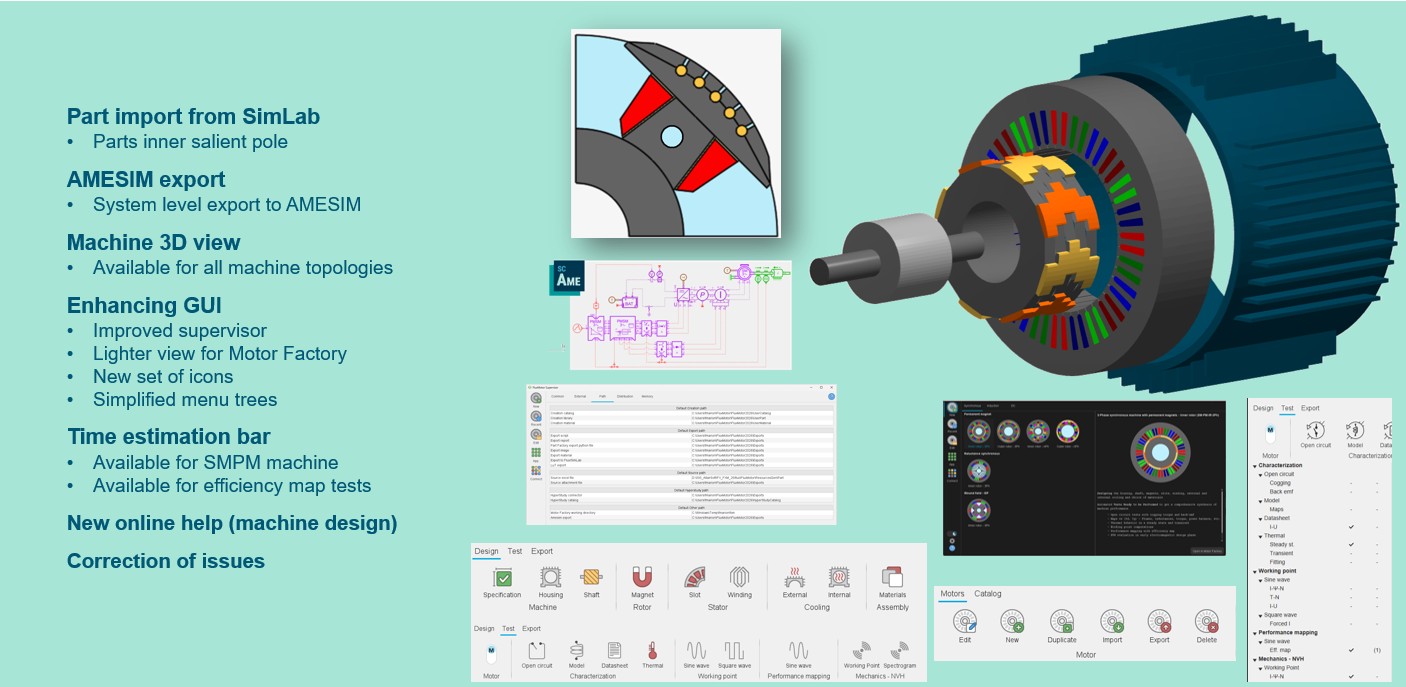
- Part import from SimLab (inner salient pole)
- For inner salient pole parts
- AMESIM export
- System level export to AMESIM
- Enhanced GUI and workflows
- Improved supervisor
- Lighter / improved view for Motor Factory
- Simplified menu trees
- New icons
- Machine 3D view
- Available for all machine topologies
- Time estimation bar
- Available for SMPM machine
- Available for efficiency map tests
- Correction of issues
All the added new features are briefly described below, followed by an update on issues and bugs.
Documents to read
Important: It is highly recommended to read the
user guides, before using FluxMotor®. Each user help document can be
downloaded from the online user help on the following link Documents to read