Export to Exchange
Export selected objects to a common folder used to exchange data with other Altair products. For example, you can export a die design from Inspire Studio to Inspire Form to perform a stamping simulation.
Note: The common folder is: C:/User/<username>/Documents/Altair/2023/Exchange/FromStudio.
-
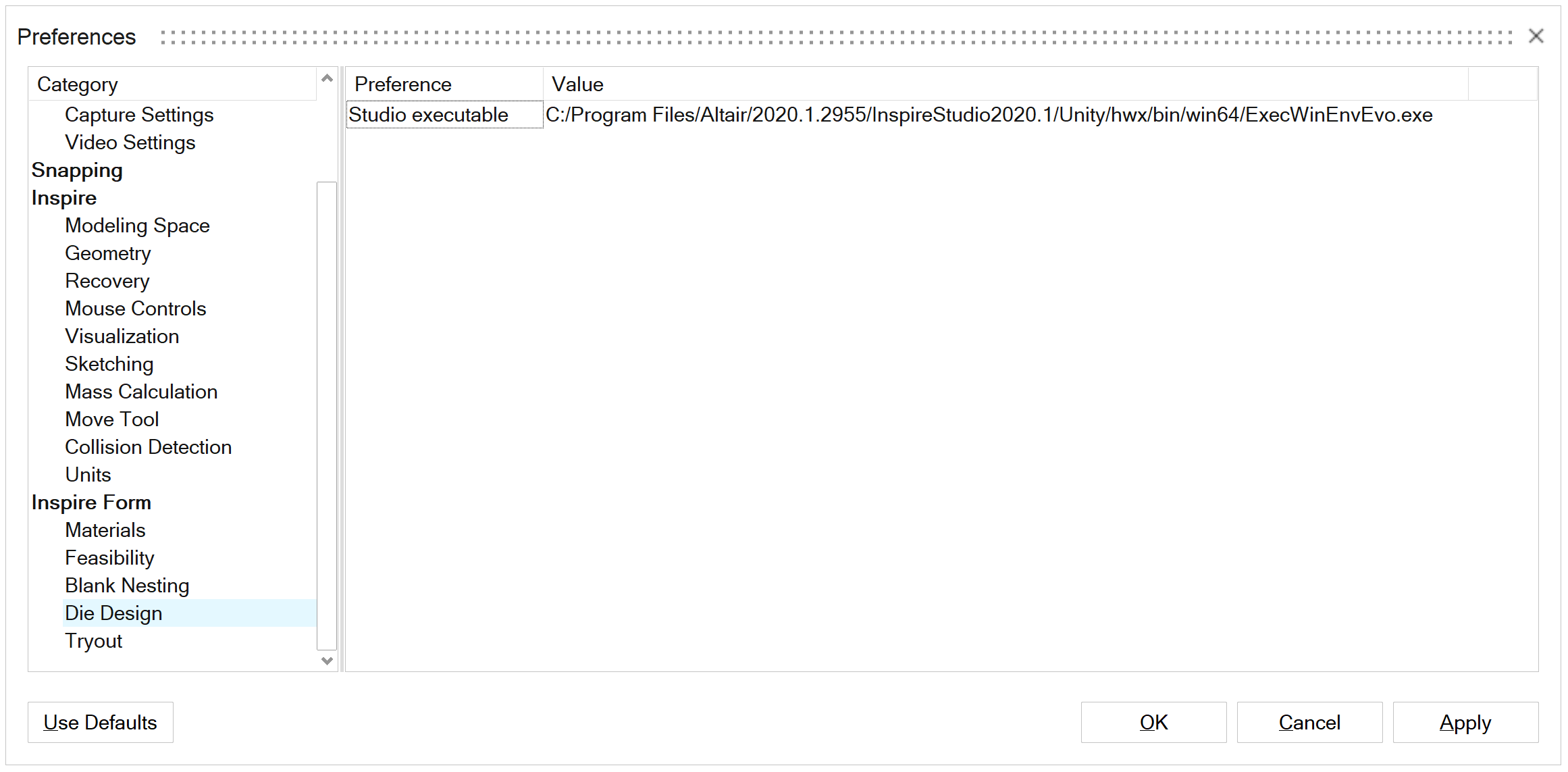
In the Preferences, verify that the path to the Studio
executable has been set. For example, under Category, go
to .