
Delete Tags
Deleting classifications, tagsets, or tags impacts previously tagged files and folders.
- To delete a classification or a tag, select the required Classification, Tagset, or a Tag.
-
Right-click to select Delete or use the options in the
ribbon menu.. Based on your selected item, a confirmation message is displayed.
For example, deleting a classification displays the following confirmation message:
Figure 1. Delete a Classification 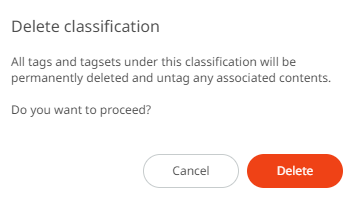
- Click Delete. The selected classification and all its related tagsets and tags will be deleted permanently.