
Applications
The Applications page allows you to browse and access various software applications by versions across Altair's suite of products.
Learn the application's features quickly with the Altair Applications Tutorial.
- Launch Altair One Home.
- Click Applications on the left pane. List of your pinned and
access to other applications based on your license is displayed.
Figure 1. Altair Applications 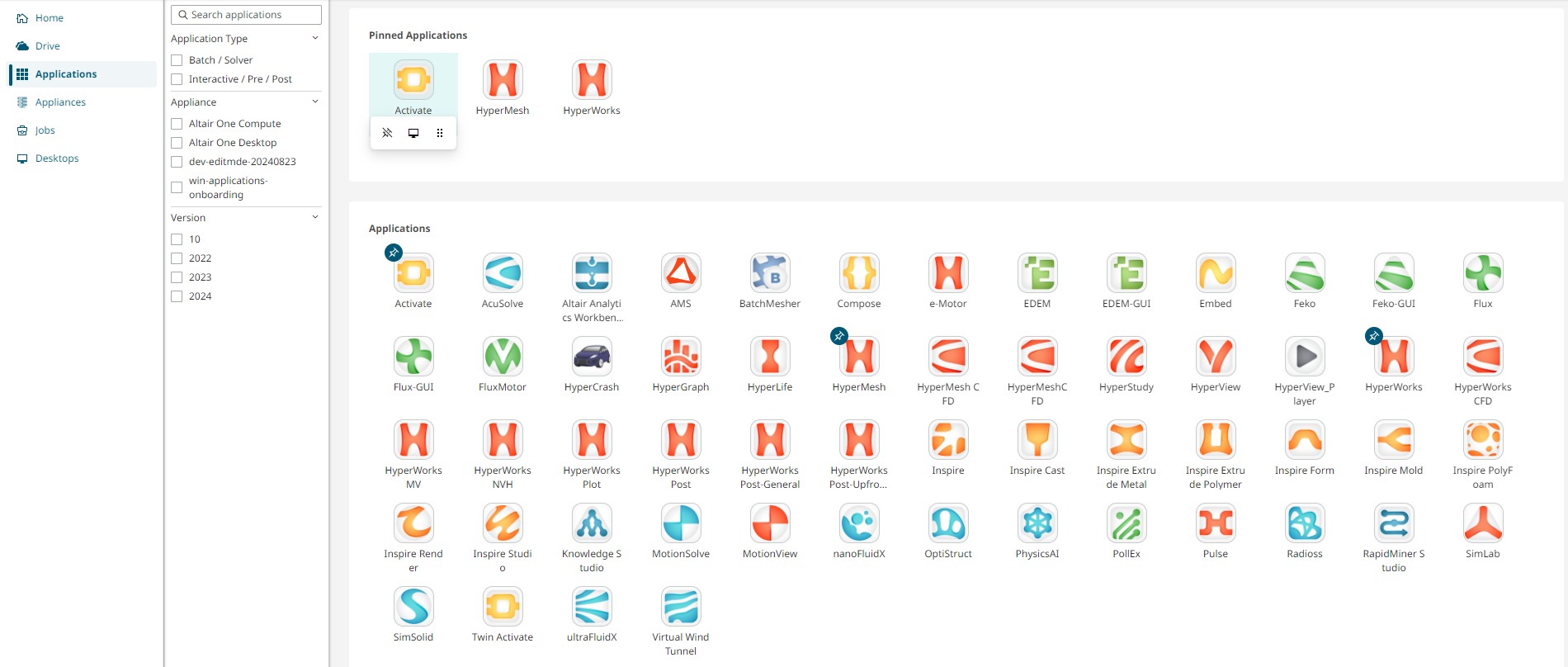
- Use the filters, application type, appliance, and versions in the left pane to filter the applications list.
- Click Group by Applications to alphabetically sort and
view the applications list.
Figure 2. Group By: Applications 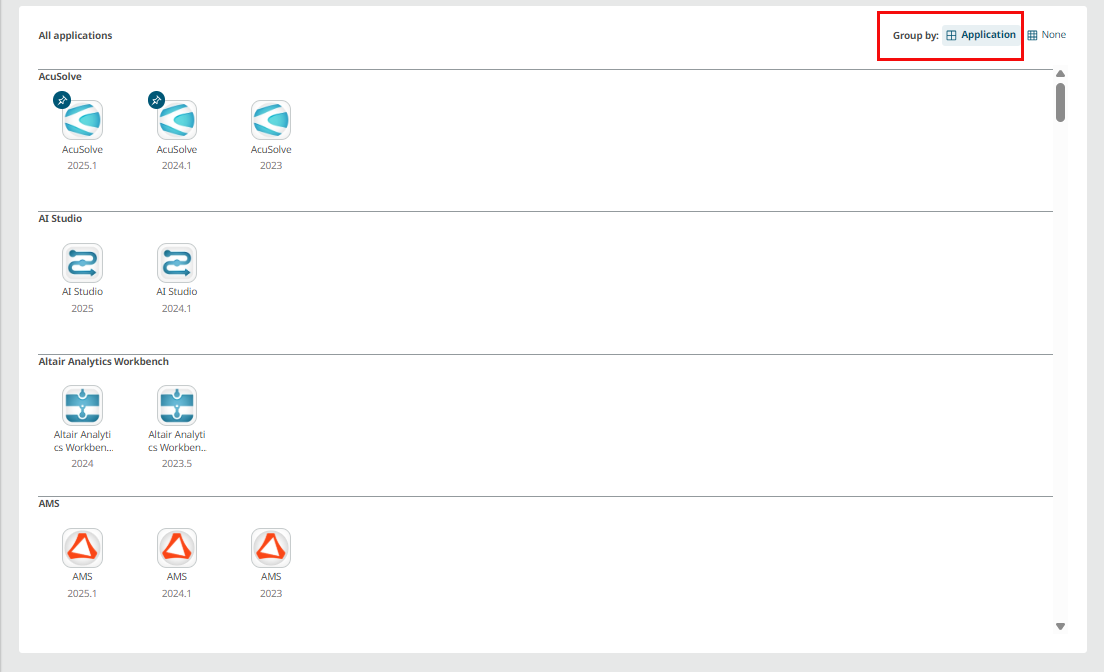
- Click Group by None to view all applications.
Applications List with Version
Altair One supports major solvers and interactive applications.
Here is the list of applications and solvers supported on default and custom appliances in Altair One.
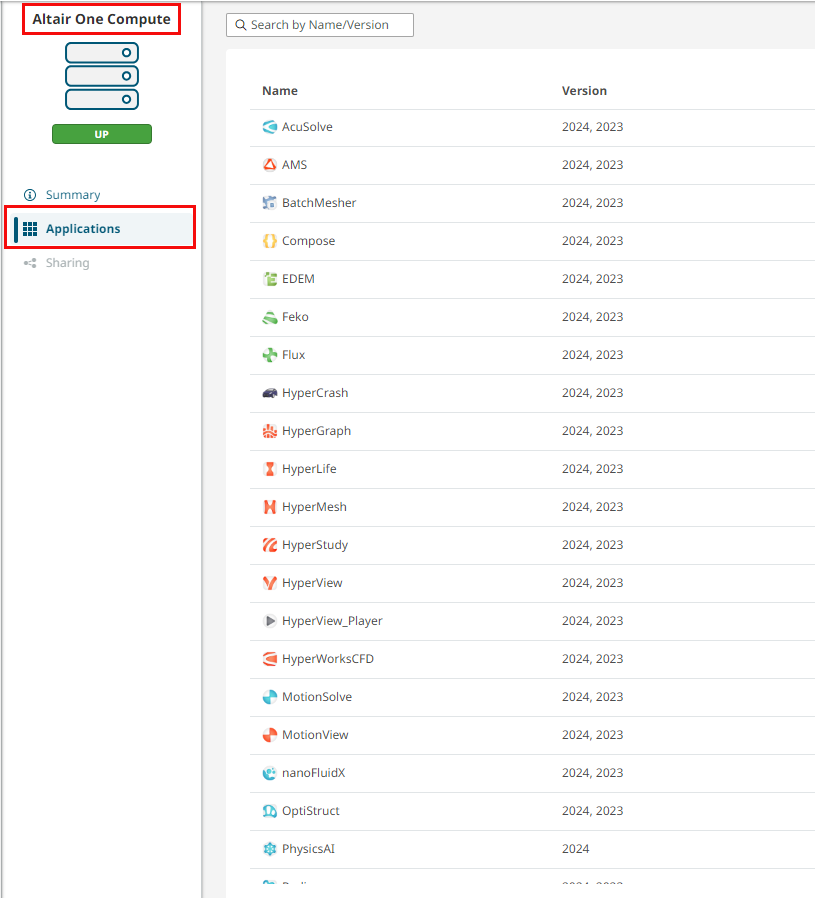
Please note the version present on Altair One can be different from the version available on the Altair Marketplace as a downloadable package. Usually, the products are released on the Altair Marketplace prior to being on boarded on Altair One for utilization. Presently only one version of the application is supported at any instant in time.