
Create a Tag Classification
A classification is the master category that organizes tag hierarchies.
- Select Tags from the left navigation pane.
- On the right pane, select + Create Classification on the ribbon menu.
-
In the Create Classification dilaog, enter:
Figure 1. Create Classification 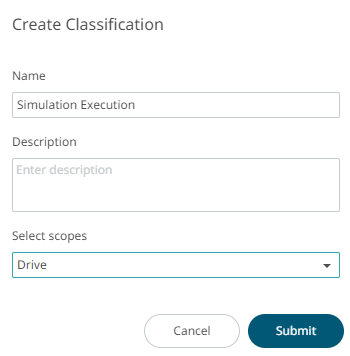
- Name
- Description (optional)
- Choose an application name from the Select scopes list.
- Click Submit. The classification is created and displayed in the Tags list.