
Since version 2026, Flux 3D and Flux PEEC are no longer available.
Please use SimLab to create a new 3D project or to import an existing Flux 3D project.
Please use SimLab to create a new PEEC project (not possible to import an existing Flux PEEC project).
/!\ Documentation updates are in progress – some mentions of 3D may still appear.
Introduction
Using Flux with PBS enables computing multiple solutions in parallel. Each solution can be sequential, parallelized, or distributed, depending on the solver used.
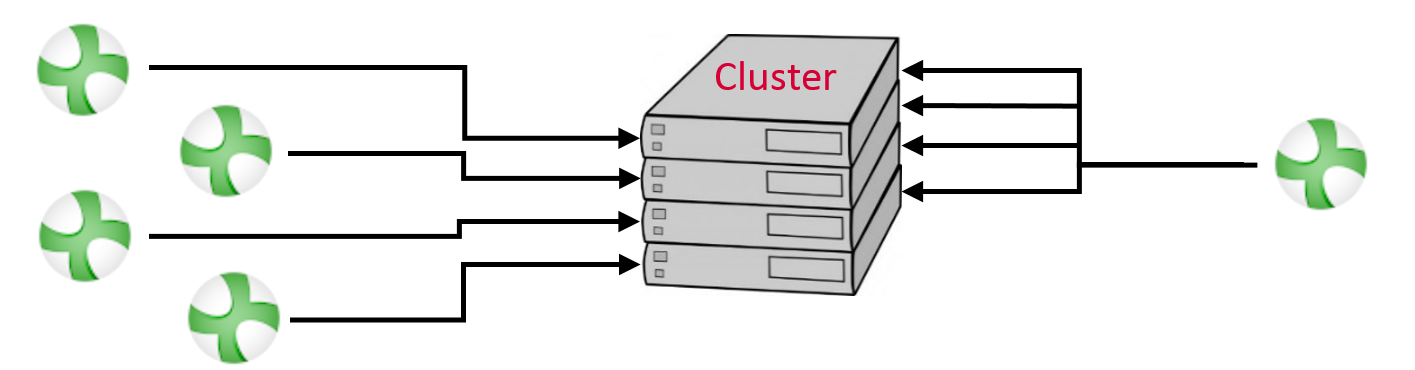
To be able to use Flux, the administrator or IT of the cluster has to install Flux and then add the appDef directory of Flux. The appDef is located in the directory $INSTALLFLUX/Api/PBS, with $INSTALLFLUX the directory where Flux is installed.
The next two sections are dedicated to the job submission and to the inputs the appDef can handle, respectively. In the last section, the special case of the parametric scenario distribution is explained. This feature enables you to solve more efficiently projects with a parametric scenario by distributing each step.