
Since version 2026, Flux 3D and Flux PEEC are no longer available.
Please use SimLab to create a new 3D project or to import an existing Flux 3D project.
Please use SimLab to create a new PEEC project (not possible to import an existing Flux PEEC project).
/!\ Documentation updates are in progress – some mentions of 3D may still appear.
Project data (entities)
What are the handled data?
The handled data (entities) depend on the phase of the finite elements project description: geometry, mesh, physics.
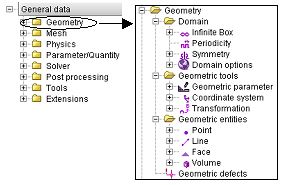
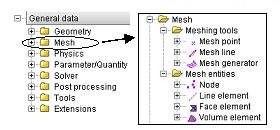
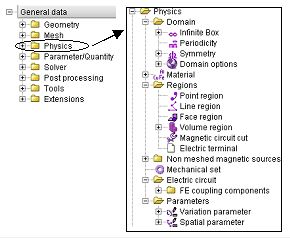
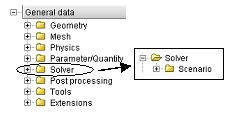
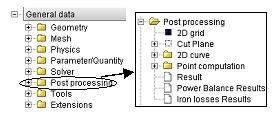
They are listed in the data tree (figure below) and are detailed in the different corresponding chapters: Geometry / Mesh / Physics / Solver / Post-processing.
|
|
|
|
|
Classification
It is possible to distinguish two families of entities (graphic / non-graphic), as presented in the table below.
| Entity-type | Identifier | Entity (examples) | |
|---|---|---|---|
| graphic |
Point, Line, … |
Number allocated by the software |
Point[1], Point[2] Line[25], Line[26], … |
| non graphic | Coordinate system, Transformation, … |
Name given by the user |
[CoordSys_1] [RotZ_90], … |