View Application List on an Appliance
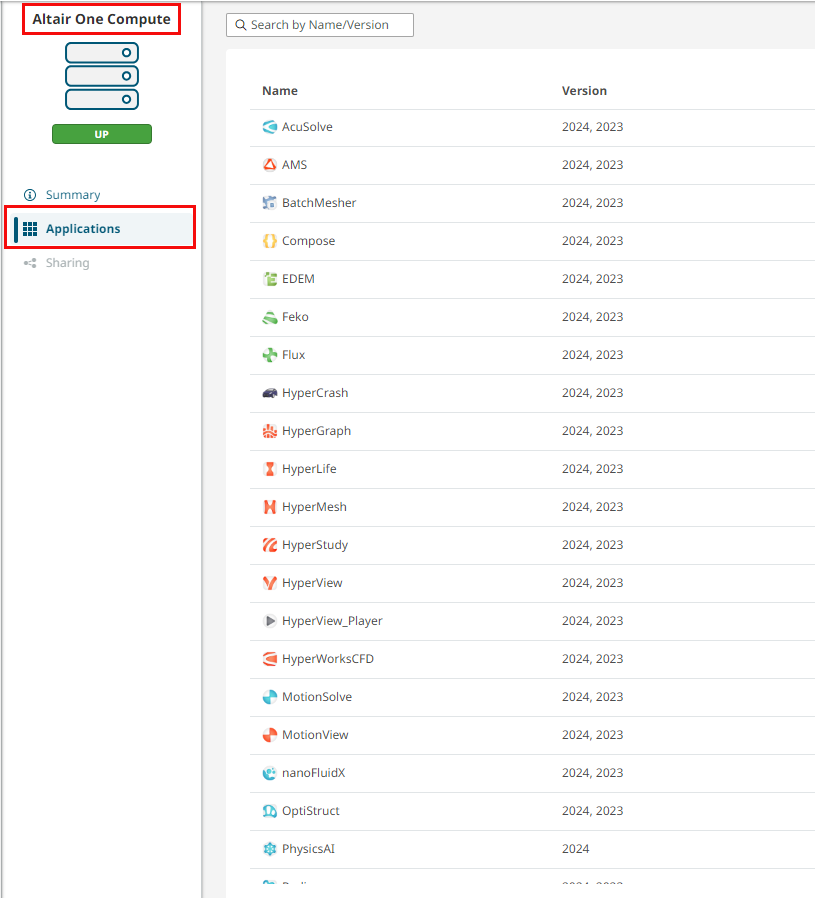
Check the configured applications and their version information available on the selected appliance.
-
Click Appliances in the left navigation pane.
List of appliances with its node status is displayed.
- Click the appliance Name link to view its configuration and resource usage details.
-
Click Applications on the left pane to view the list of
configured applications.
In the following example, the appliance Altair One Compute is configued with the list of applications as displayed in the image.
Figure 1. Applications List