
Depuis la version 2026, Flux 3D et Flux PEEC ne sont plus disponibles.
Veuillez utiliser SimLab pour créer un nouveau projet 3D ou pour importer un projet Flux 3D existant.
Veuillez utiliser SimLab pour créer un nouveau projet PEEC (pas possible d'importer un projet Flux PEEC existant).
/!\ La documentation est en cours de mise à jour – des références au 3D peuvent subsister.
Introduction
Using Flux with PBS enables computing multiple solutions in parallel. Each solution can be sequential, parallelized, or distributed, depending on the solver used.
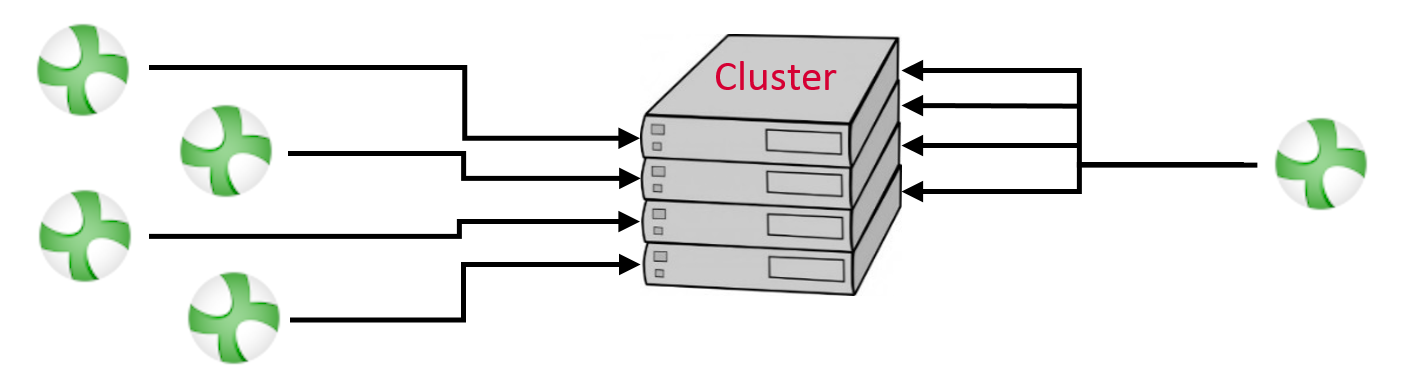
To be able to use Flux, the administrator or IT of the cluster has to install Flux and then add the appDef directory of Flux. The appDef is located in the directory $INSTALLFLUX/Api/PBS, with $INSTALLFLUX the directory where Flux is installed.
The next two sections are dedicated to the job submission and to the inputs the appDef can handle, respectively. In the last section, the special case of the parametric scenario distribution is explained. This feature enables you to solve more efficiently projects with a parametric scenario by distributing each step.