
Depuis la version 2026, Flux 3D et Flux PEEC ne sont plus disponibles.
Veuillez utiliser SimLab pour créer un nouveau projet 3D ou pour importer un projet Flux 3D existant.
Veuillez utiliser SimLab pour créer un nouveau projet PEEC (pas possible d'importer un projet Flux PEEC existant).
/!\ La documentation est en cours de mise à jour – des références au 3D peuvent subsister.
Flux Starting Guide
Plusieurs courtes vidéos pour démarrer avec Flux.
Start in Flux
For beginners, here are the following videos to be able to start in Flux:
| Getting Started | Flux Environment | Flux Overview |
|---|---|---|
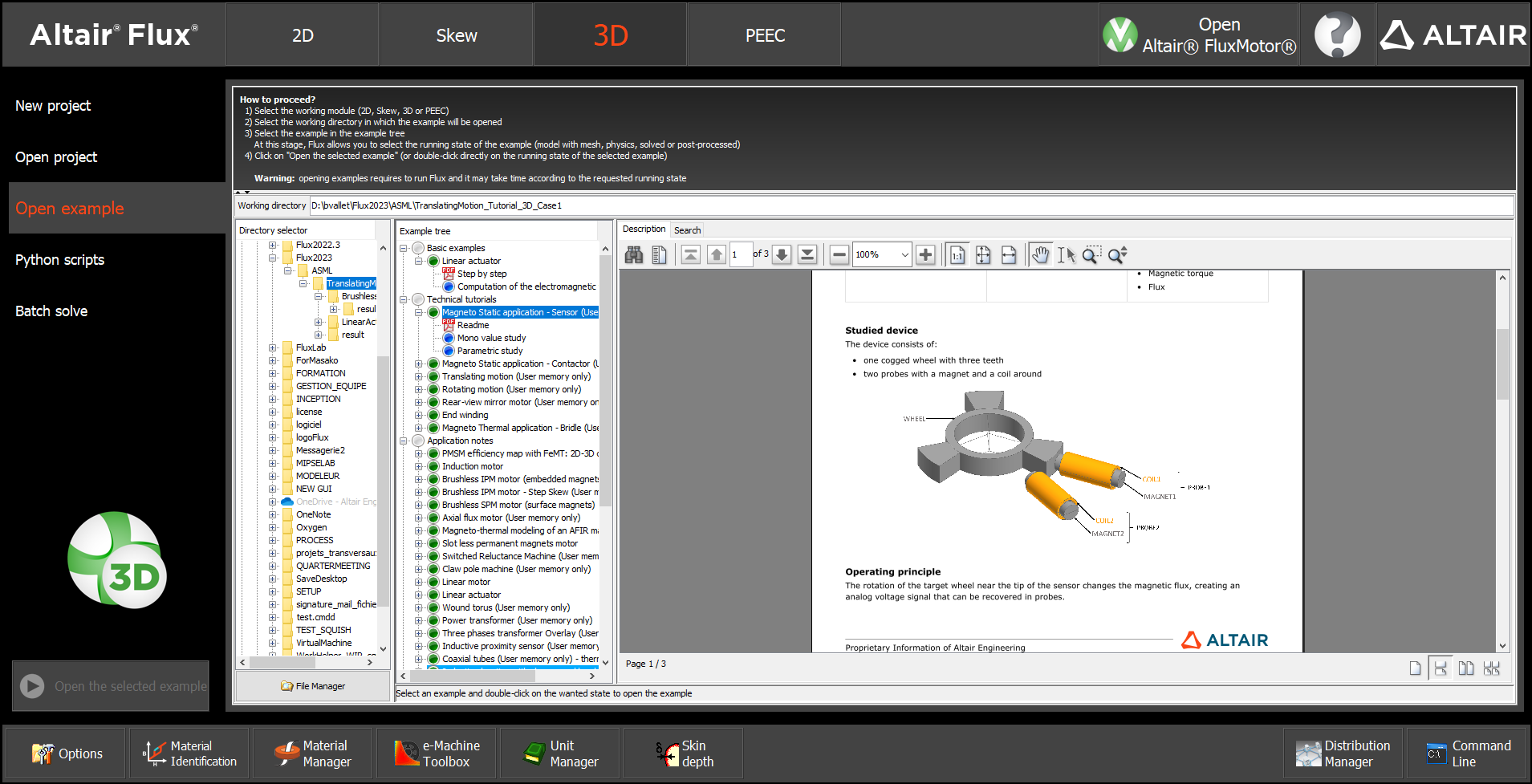
| Discover Flux supervisor
environment Find where to find Flux examples and tutorials: basic examples and technical tutorials Define the main options: language, memory settings,... Access to help, documentation and more videos |
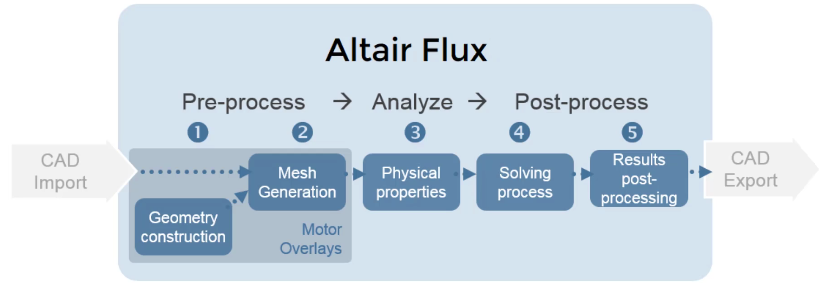
Discover Flux
environment Discover the main steps to follow to simulate in Flux |
Flux captures the complexity of electromagnetic and thermal phenomena to predict the behavior of future products with precision. Flux offers a full range of physical models to simulate the low frequency behavior of electromagnetic devices. |
 |
 |
 |
 |
|
|
Discover Flux Capabilities
To discover Flux capabilities, here are some basic examples:
| Brushless IPM motor basic example in Flux 2D | Linear actuator basic example in Flux 3D |
|---|---|
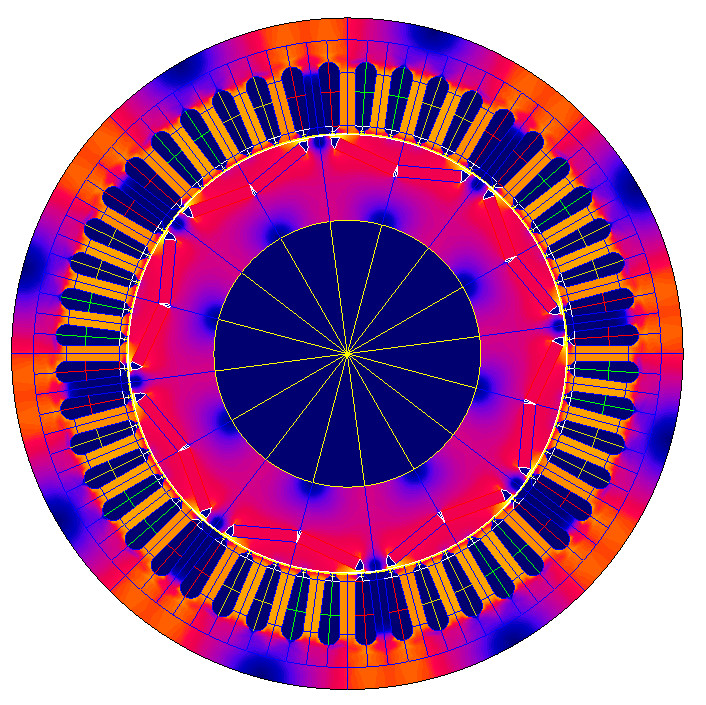
| An electric motor basic example:
Brushless IPM motor design using Flux 2D Dedicated motor template “overlay” used to easily create and mesh the device Learn how to design a motor in Flux 2D in less than 10 minutes! |
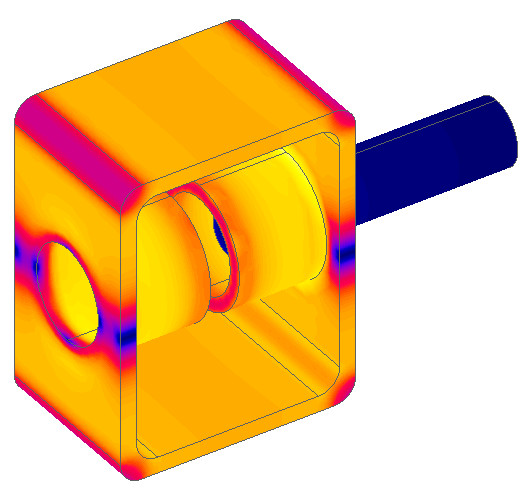
An actuator basic example: Linear
actuator design using Flux 3D FEA Using 3D freehand drawing context “Modeler” |
 |
 |

 |
|