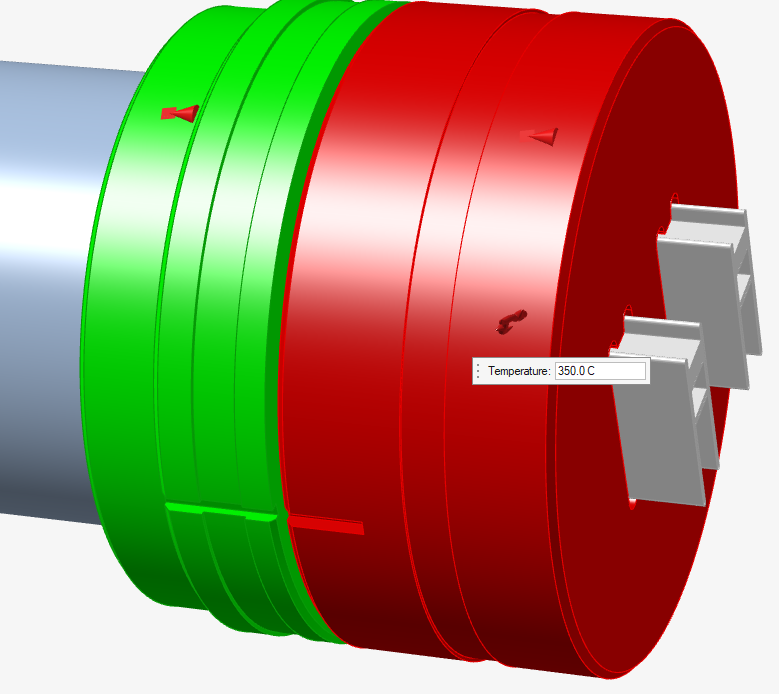
Applying Reference Temperatures
Apply a reference temperature for each tool part.
- Click the Tool Deflection tab.
-
Click the Temperature tool.

-
Click the part on which the temperature is to be applied and enter the value in
the microdialog.
Applied temperatures are displayed as flames.