EDEM Simulator - Run the Simulation
Once you have set up the model, learn how to run fast and efficient simulations using EDEM Simulator.
Click the  icon on the toolbar to open EDEM Simulator.
icon on the toolbar to open EDEM Simulator.
Set the Time and Grid options
The first step in running the simulation is to set the Time Step. The Time Step is the amount of time between iterations (calculations).
- In this simulation, ensure that the Auto Time Step checkbox is not selected.
- Set the Raleigh Time Step to 15%.
-
Set the simulation time and data write-out frequency.
The simulation time is the amount of real time your simulation represents.
- In the Simulation Time section, set the Total Time to 15 s.
- Select CUDA GPU from the Selected Engine dropdown list as this is a Polyhedral particle simulation.
Run the Simulation
The last step is to run the simulation.
-
Click the Start Progress
 icon in the Simulation window.
-
In the Viewer Controls, click the Refresh Viewer
 icon or the enable Auto Update
  icon at any point to update the Viewer to view the progress of the simulation.
-
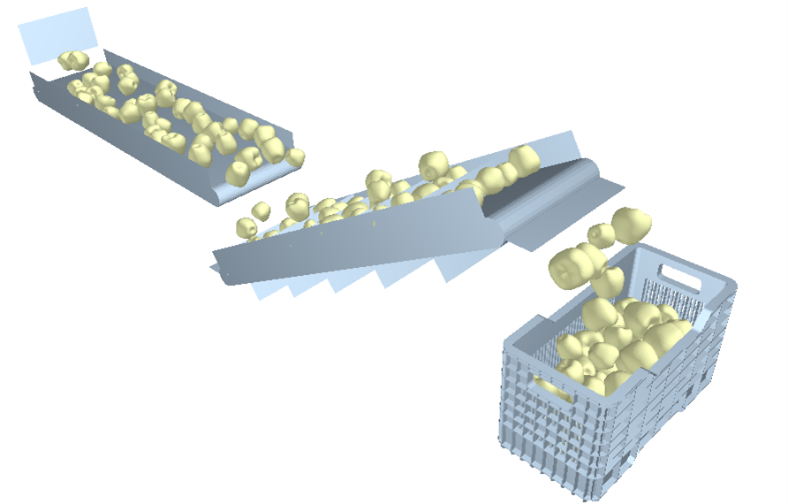
In the Viewer Controls, reduce the opacity of the Geometry to see how the
particles are moving.