Orienting the Bodies
Use the Orient tool to set the orientation of the profile.
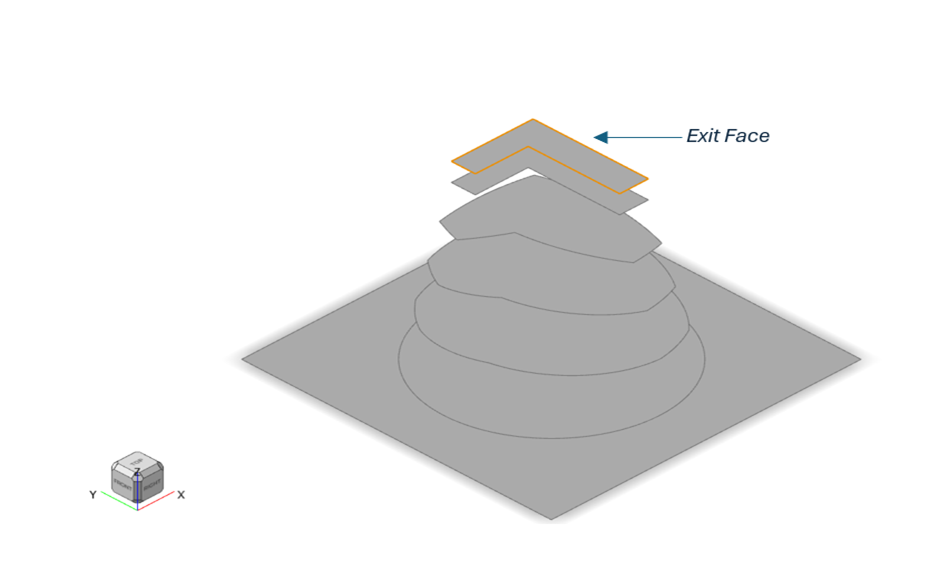
Inspire Extrude follows the convention that the extruded profile comes out in the positive Z direction, therefore the model has to oriented such that this condition is met. This tool helps you achieve this easily by selecting the profile exit surface or the corresponding die surface.
Use the Orient tool to set the orientation such that the profile comes out in the positive Z direction and the starting position is at z=0.0.- Click the Plate Die tab.
-
Click the Orient tool.

-
On the model, click the exit surface.