
Creating the Die
Create die plates with custom shapes.
- Click the Plate Die tab.
-
Click the Create Die tool.

The Plate Die Parameters dialog opens.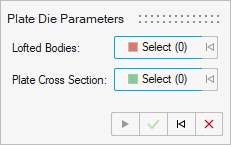
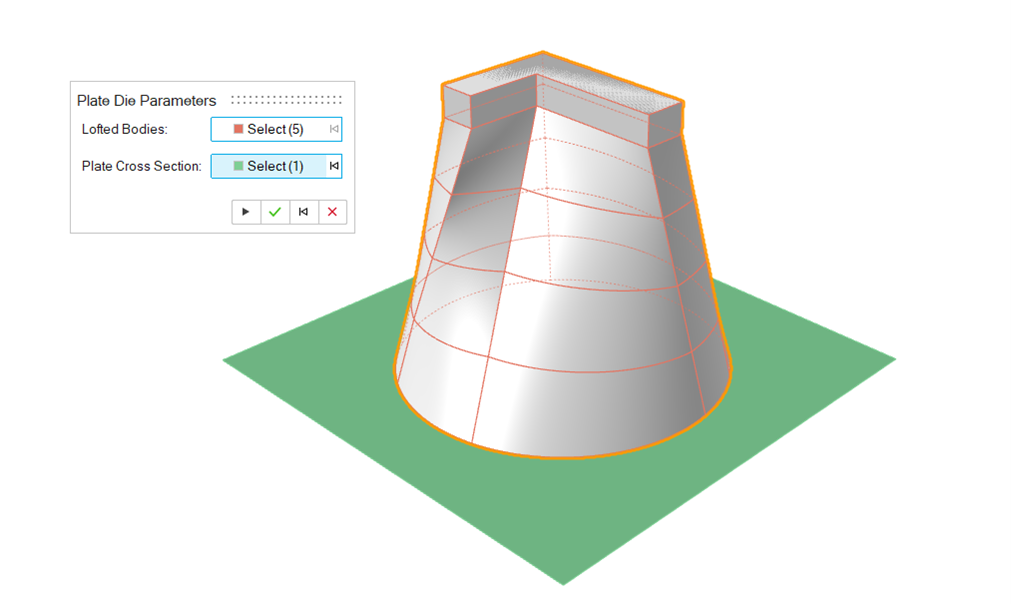
- Select Lofted Bodies created previously using the Loft tool.
-
Select the Plate Cross Section.
This surface represents the cross-section of the die plate, which must be created in the same plane as the inlet face.
-
Click the Apply
 icon to create the die.
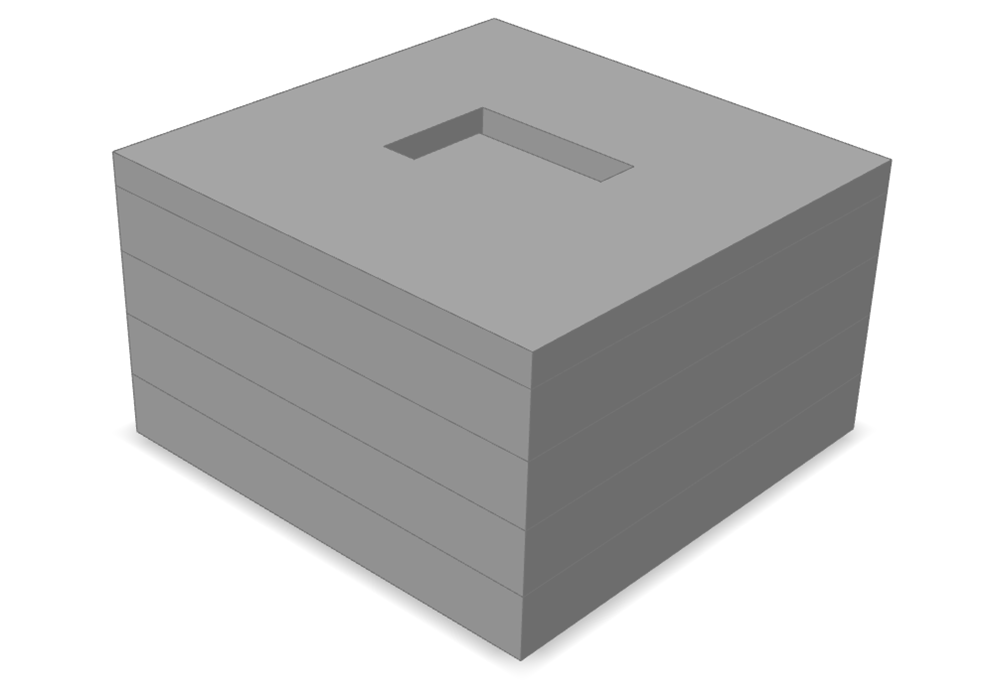
Note: The number of plates generated will be equal to the number of the lofted bodies (or the flow volume bodies) selected.